





which usb data cable is compatible with most android phones? | Insights by BWOO
- My new Android phone has a different port than my old one. Can I still use my old charger and cable?
- Why do some USB-C cables charge my Android phone much slower than others, even if they look identical?
- Is there a single 'universal' USB data cable that truly works perfectly with *all* Android phones, regardless of brand or age?
- I keep hearing about 'USB 3.0,' 'USB 3.1,' and 'USB 3.2.' Do these numbers matter for my Android phone's data transfer or charging capabilities?
- Can a cheap, non-branded USB cable damage my Android phone or battery, even if it fits the port?
- What's the fundamental difference between a 'charging cable' and a 'data cable,' and do I always need both for my Android device?
As a professional in the mobile phone accessories industry, understanding the nuances of USB data cable compatibility is paramount, especially for Android users. The market is flooded with options, leading to confusion for beginners. This guide aims to clarify common pain points and provide expert insights into selecting the most compatible USB data cable for your Android phone.
My new Android phone has a different port than my old one. Can I still use my old charger and cable?
This is one of the most frequent questions we encounter. The primary reason for this incompatibility is the industry's shift from Micro-USB to USB-C (USB Type-C). Most modern Android phones, especially those released in the last 3-5 years, have adopted the reversible USB-C port, which offers superior features like faster charging, quicker data transfer, and a more robust design. Older Android devices predominantly used the Micro-USB port, which is non-reversible and generally supports slower speeds.
Therefore, if your new Android phone features a USB-C port and your old charger/cable is Micro-USB, they are physically incompatible. You cannot directly use your old Micro-USB cable with a new USB-C phone. While adapters exist (Micro-USB to USB-C), they are generally not recommended for long-term use as they can introduce points of failure, potentially limit charging/data speeds, and may not support advanced power delivery protocols. It's always best to use a native USB-C cable designed for your new device to ensure optimal performance and safety.
Why do some USB-C cables charge my Android phone much slower than others, even if they look identical?
This common frustration stems from the internal complexities of USB-C cables, particularly concerning power delivery and data capabilities. Not all USB-C cables are created equal. The primary factors influencing charging speed are:
- Power Delivery (PD) Support: Many modern Android phones utilize USB Power Delivery (PD) for fast charging. For PD to work optimally, both the charger and the cable must support the specific PD profiles (voltage and current combinations). A cable that doesn't support higher wattage PD profiles will limit the charging speed to its maximum capacity, even if the charger and phone can handle more.
- E-marker Chip: High-quality USB-C cables, especially those designed for high power (e.g., 60W, 100W, or 240W for USB PD 3.1) and high-speed data transfer (USB 3.1 Gen 2, USB 3.2, USB4, Thunderbolt), contain an 'E-marker' (electronically marked) chip. This chip communicates the cable's capabilities (power rating, data speed, alternate modes) to the connected devices. Without an E-marker chip, or with one that indicates lower capabilities, devices will default to slower, safer charging speeds to prevent damage.
- Internal Wire Gauge and Quality: The thickness (gauge) and material quality of the power wires within the cable directly impact its ability to carry current efficiently. Thinner or lower-quality wires have higher resistance, leading to voltage drop and slower charging, especially over longer cable lengths. Reputable manufacturers use appropriate wire gauges and shielding to minimize resistance and ensure stable power delivery.
In essence, a seemingly identical USB-C cable might lack the necessary internal components or E-marker chip to facilitate high-speed charging protocols like USB Power Delivery, resulting in significantly slower charging times for your Android device.
Is there a single 'universal' USB data cable that truly works perfectly with *all* Android phones, regardless of brand or age?
While the concept of a 'universal USB cable' is appealing, the reality for Android phones is more nuanced. Currently, no single USB data cable works perfectly with every Android phone ever made. The primary reason is the historical evolution of USB ports.
- Micro-USB: Still present in many older or budget Android devices.
- USB-C: The current standard for virtually all new Android smartphones, tablets, and even laptops. The European Union's mandate for USB-C as the common charging port by late 2024 further solidifies its dominance, making it the closest we have to a 'universal' port for new devices.
Therefore, while a high-quality USB-C cable is the closest to 'universal' for the vast majority of modern Android phones, it won't be compatible with older Micro-USB devices without an adapter. For users with a mix of old and new Android devices, carrying both a Micro-USB and a USB-C cable, or a multi-connector cable (though often with compromises in quality/speed), is often necessary. The industry is moving towards USB-C as the de facto standard, simplifying future compatibility.
I keep hearing about 'USB 3.0,' 'USB 3.1,' and 'USB 3.2.' Do these numbers matter for my Android phone's data transfer or charging capabilities?
Yes, these USB version numbers are crucial, primarily for data transfer speeds, but they can indirectly affect your overall experience, especially with high-end Android phones. These numbers refer to different generations of the USB standard, each offering increased bandwidth:
- USB 2.0: Max data transfer speed of 480 Mbps (Megabits per second). Most basic charging cables still operate at USB 2.0 data speeds.
- USB 3.0 (now officially USB 3.2 Gen 1): Introduced 'SuperSpeed' with a max data transfer speed of 5 Gbps (Gigabits per second). This is a significant leap for transferring large files like photos and videos from your phone to a computer.
- USB 3.1 (now officially USB 3.2 Gen 2): Introduced 'SuperSpeed+' with a max data transfer speed of 10 Gbps.
- USB 3.2 Gen 2x2: Offers 20 Gbps using two lanes of 10 Gbps.
- USB4 / Thunderbolt 3/4: The latest standards, offering up to 40 Gbps, primarily found in high-end laptops and some flagship Android devices (though less common for data transfer from the phone itself).
For data transfer, these numbers absolutely matter. If your Android phone supports USB 3.0 or higher (many mid-range to flagship phones do), pairing it with a compatible USB 3.0/3.1/3.2 cable will allow for much faster file transfers to and from your computer. Using a USB 2.0 cable with a USB 3.x phone will bottleneck the transfer speed to 480 Mbps.
For charging capabilities, the USB version number itself doesn't directly dictate charging speed. Charging speed is primarily governed by power delivery protocols (like USB PD or Qualcomm Quick Charge) and the cable's current rating. However, higher-spec USB cables (e.g., USB 3.1/3.2) are often built with better quality components and E-marker chips, making them more likely to support higher power delivery wattages. So, while not a direct correlation, a cable supporting higher data speeds often indicates it's a more robust, full-featured cable capable of better charging performance as well.
Can a cheap, non-branded USB cable damage my Android phone or battery, even if it fits the port?
Absolutely. The risks associated with using cheap, non-branded USB cables are significant and can lead to various issues, from minor inconveniences to severe damage to your Android phone or even safety hazards.
- Inconsistent Power Delivery: Cheap cables often lack proper shielding and use thin, low-quality wires. This can lead to voltage drops, inconsistent current delivery, and overheating, which can stress your phone's charging circuitry and potentially degrade battery health over time.
- Overheating and Fire Hazard: Poorly constructed cables can overheat, especially during fast charging, posing a risk of melting, short circuits, or even fire. This is a serious safety concern.
- Data Corruption: Substandard data lines can lead to unreliable data transfer, resulting in corrupted files or interrupted syncs.
- Physical Damage: Flimsy connectors can break off inside your phone's port, causing costly repairs. The cable's insulation might also degrade quickly, exposing wires.
- Lack of E-marker Chip: As discussed, for USB-C, the absence of a proper E-marker chip in a cheap cable can prevent fast charging or even damage devices if the cable falsely advertises capabilities it doesn't possess.
It is highly recommended to invest in certified USB cables from reputable brands. Look for certifications like USB-IF (USB Implementers Forum) for USB-C cables, which ensures compliance with industry standards for safety and performance. While a cheap cable might seem like a saving, the potential cost of phone repair or replacement far outweighs the initial savings.
What's the fundamental difference between a 'charging cable' and a 'data cable,' and do I always need both for my Android device?
This is a common misconception. Fundamentally, all USB cables are designed to carry power, but not all are designed to carry data, or to carry it efficiently. The distinction lies in their internal wiring:
- Charging-Only Cables: These cables typically contain only the power lines (VBUS and Ground). They lack the dedicated data lines (D+ and D- for USB 2.0, or SuperSpeed differential pairs for USB 3.x). While they can charge your device, they cannot transfer data between your phone and a computer or other devices. Some public charging stations use charge-only cables for security reasons (to prevent data theft).
- Data Cables (Full-Featured Cables): These cables contain both the power lines and the data lines. They can simultaneously charge your device and facilitate data transfer. Most cables sold for smartphones today are full-featured data cables, as users typically expect both functionalities.
Do you need both? For most users, a single full-featured data cable is sufficient and ideal. It allows you to charge your Android phone and connect it to a computer for file transfers, software updates, or tethering. You would only specifically need a 'charging-only' cable if you have a very niche use case (e.g., a dedicated charging station where data transfer is intentionally disabled for security) or if you accidentally purchased a cable without data capabilities.
Always opt for a full-featured data cable from a reputable manufacturer. This ensures you have the flexibility for both charging and data transfer, along with the assurance of quality and safety for your valuable Android device.
Understanding the intricacies of USB data cable compatibility, from port types like USB-C and Micro-USB to crucial factors like Power Delivery, E-marker chips, and data transfer speeds, is vital for any Android user. Investing in high-quality, certified USB data cables not only ensures optimal charging and data performance but also safeguards your device against potential damage and enhances user experience. Make informed choices to leverage the full potential of your Android smartphone.
For professional-grade mobile phone accessories and expert guidance on bulk orders, please contact us for a quote. Visit our website at www.hkbwoo.com or email us at Sales_A@gzbwoo.com.
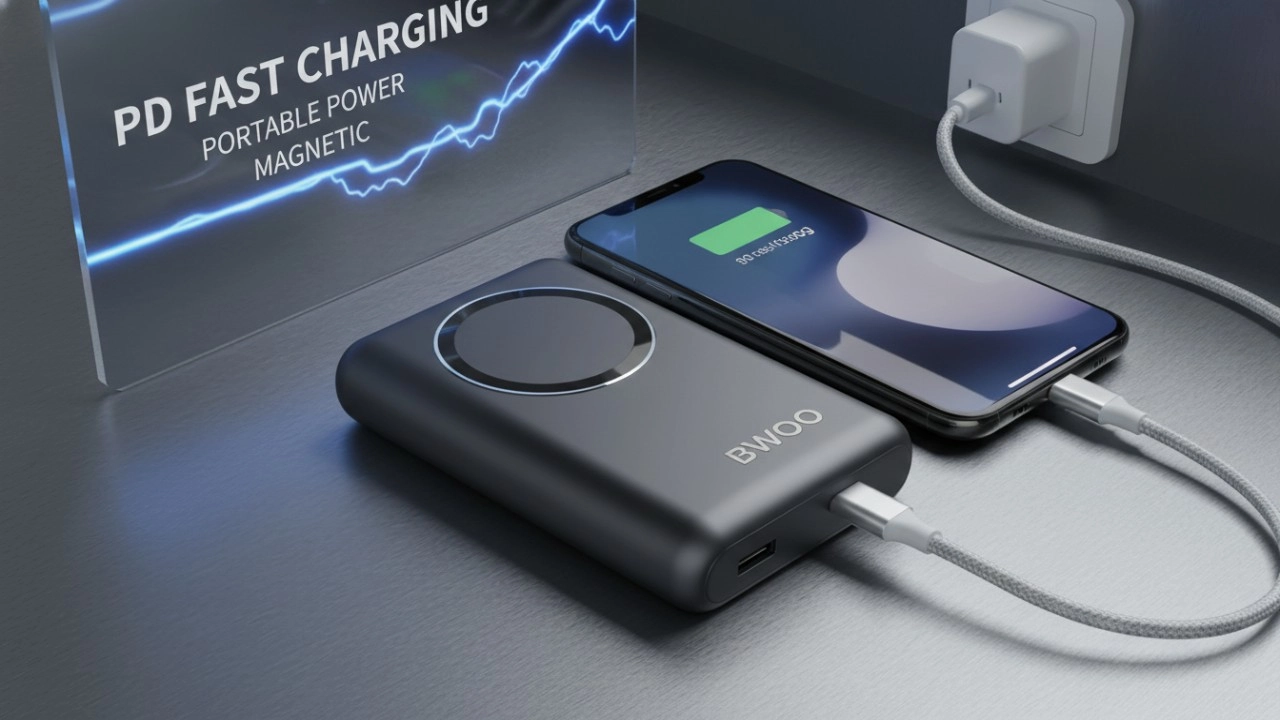
The Ultimate Guide to BWOO Power Banks: Features, Safety, and Accessories (2026 Edition)
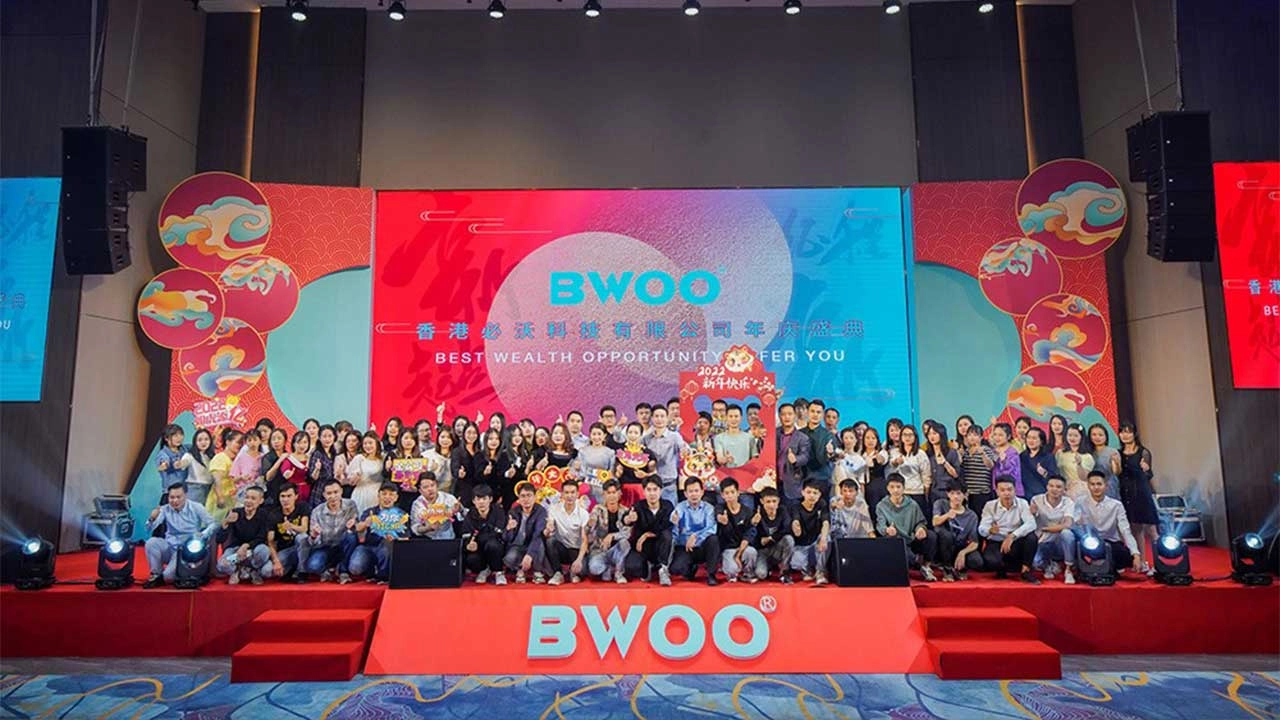
BWOO Company Annual Celebration
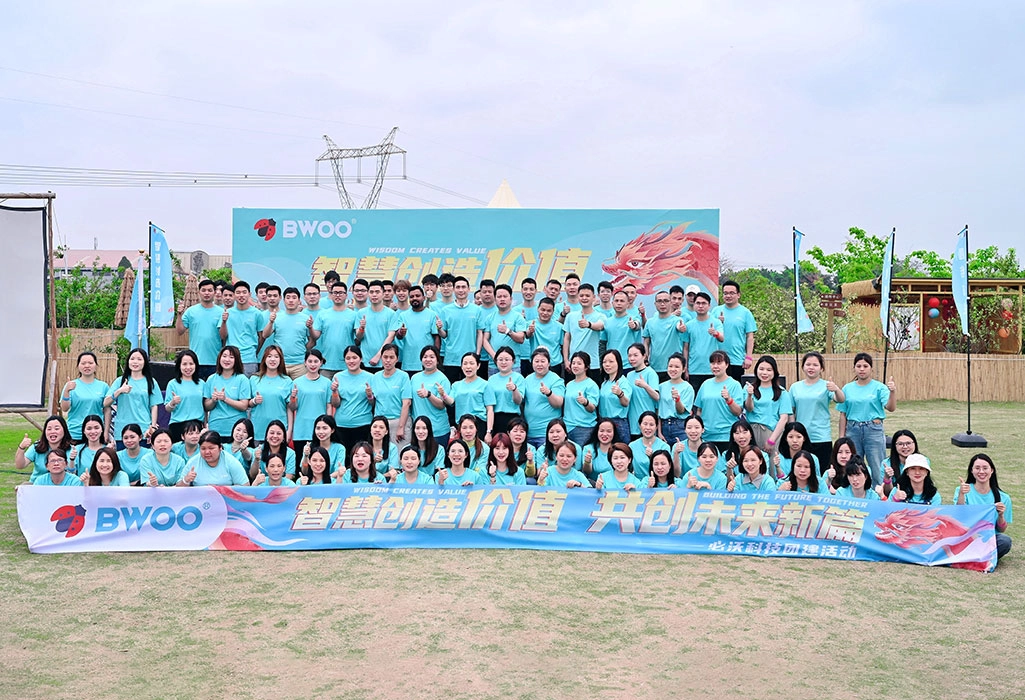
BWOO Celebrates The Company's Success of 2023

BWOO Shines at Global Sources Consumer Electronics Show Indonesia 2024
Social media
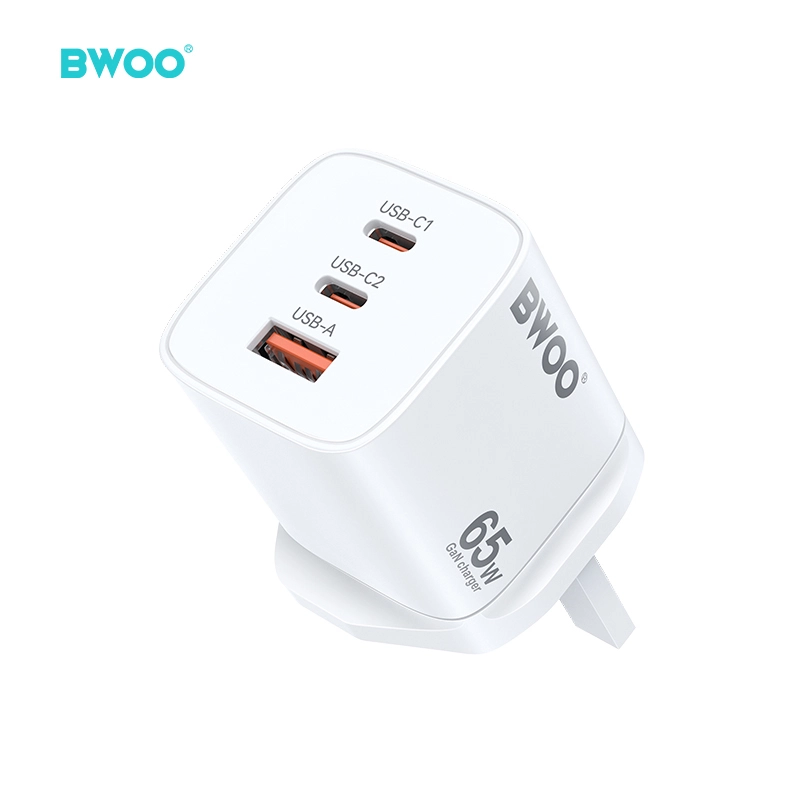
BWOO 65W 3 Port UK Travel Plug Adapter USB C PD 45W Fast Charger USB A Charging for Laptop Phone
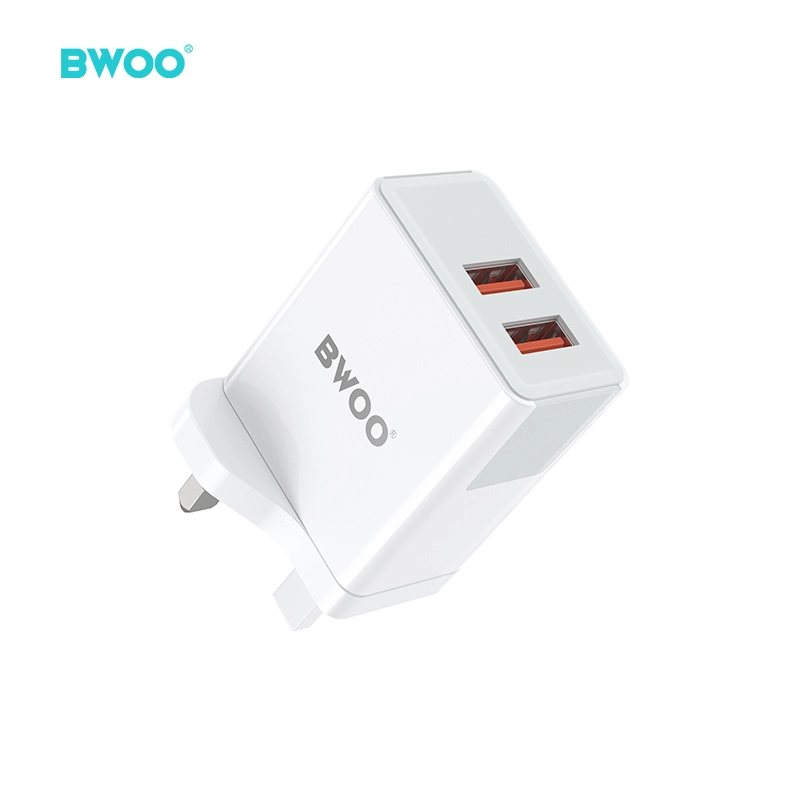
BWOO 30W Dual Port USB Fast Wall Charger UK Plug Compact Travel Charger
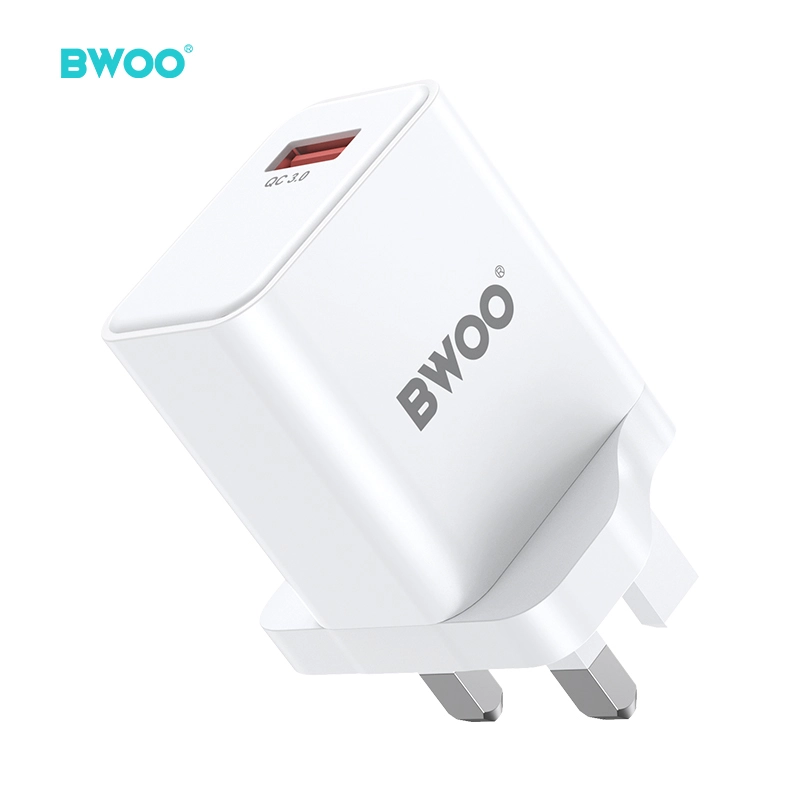
BWOO Quick Charge 3 USB Wall Charger 3A Fast Charger Power Adapter UK Plug
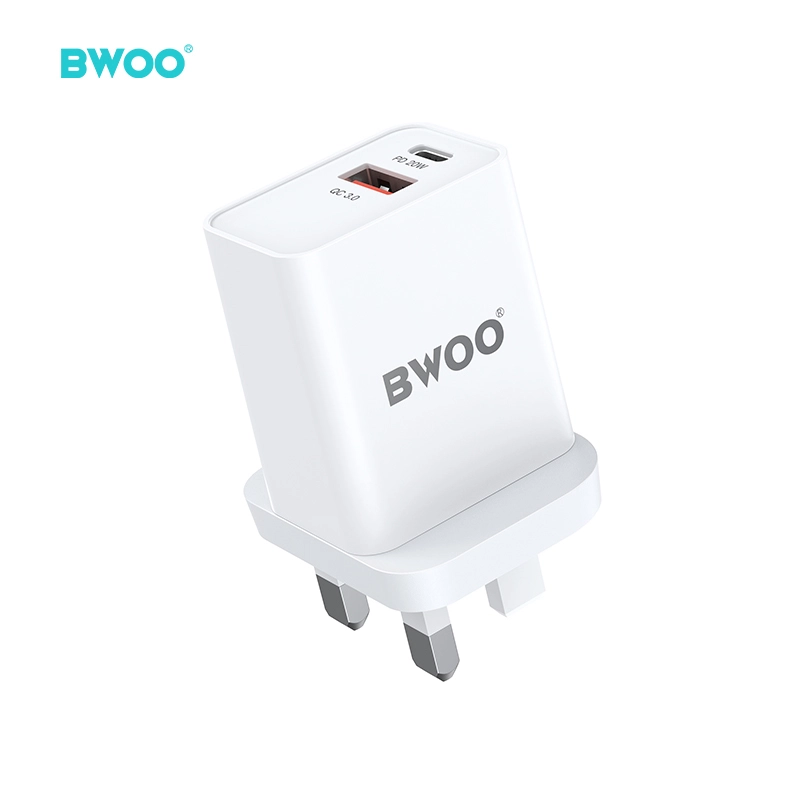
BWOO 20W 2 Port Fast USB C Wall Charger UK Plug Compact PD Portable Charger for iPhone
Have a question or want to learn more?
We’re here to help.
Follow us on social media
Empowering global smart living with certified quality and 20 years of manufacturing excellence.
Office
Rm 01, 10/F Mira Place Tower A, 132 Nathan Road, TST Kowloon, Hong Kong
Contact Information
SKYPE: +86 138 0243 8025
WhatsApp: +86 138 0243 8025
E-mail: Sales_A@gzbwoo.com
Social media
© 2026 BWOO. All Rights Reserved.
bwoo_global
BWOO Global
BWOO
Whatsapp: +8613725430886
BWOO HK TECH LIMITED