






what is the best usb data cable for fast charging and syncing? | Insights by BWOO
- Why does my new 'fast charging' USB-C cable charge slowly, even with a compatible adapter, and how do I ensure maximum power delivery?
- Beyond just charging, how do USB cable specifications like USB 2.0 vs. USB 3.2 impact my file transfer speeds while simultaneously fast charging?
- How can I identify a truly safe and reliable USB fast charging cable from potentially dangerous counterfeits or low-quality options?
- What specific construction features and materials should I look for to ensure my fast charging and syncing cable lasts longer than a few months?
- With USB-C, USB-A, and Lightning, which connector types offer the best future-proof combination of fast charging and high-speed data syncing?
- Does the length of a USB data cable significantly affect its fast charging speed or data transfer capabilities, and what's the optimal length?
Navigating the world of mobile phone accessories, especially when it comes to USB data cables, can be daunting. With countless options promising fast charging and high-speed syncing, it's easy for beginners to feel overwhelmed. This expert guide cuts through the noise, providing in-depth answers to the most pressing questions about selecting the ideal USB data cable for your needs, ensuring both efficiency and longevity.
Why does my new 'fast charging' USB-C cable charge slowly, even with a compatible adapter, and how do I ensure maximum power delivery?
Many users experience the frustration of a new fast charging USB-C cable delivering sluggish speeds. The primary reason often lies in the cable's internal capabilities and its compatibility with advanced charging protocols, specifically USB Power Delivery (USB PD). Not all USB-C cables are created equal; for true fast charging, especially at higher wattages (e.g., 60W, 100W, 240W), the cable must contain an E-Marker chip. This electronic marker chip communicates the cable's power capabilities (maximum voltage and current it can safely handle) to the connected devices and charger. Without an E-Marker chip, or if the chip indicates lower capabilities, the devices will default to a lower, safer charging speed, even if your charger and device support higher power.
To ensure maximum power delivery, look for USB-C cables explicitly rated for the wattage you intend to use (e.g., 100W USB-C cable). These cables are typically equipped with the necessary E-Marker chip and thicker wire gauge to minimize resistance and voltage drop. Always check for USB-IF certification, which guarantees adherence to USB standards for both power and data.
Beyond just charging, how do USB cable specifications like USB 2.0 vs. USB 3.2 impact my file transfer speeds while simultaneously fast charging?
While fast charging focuses on power delivery, high-speed syncing is all about data transfer capabilities, which are dictated by the USB standard the cable supports. Here's a quick breakdown of how different USB versions impact your data speeds:
- USB 2.0: Offers data transfer speeds up to 480 Mbps (megabits per second). While sufficient for basic file transfers and charging, it's significantly slower for large files or backups.
- USB 3.0 / USB 3.1 Gen 1 / USB 3.2 Gen 1: All refer to the same standard, providing speeds up to 5 Gbps (gigabits per second). This is a substantial leap, ideal for transferring large photos, videos, or documents quickly.
- USB 3.1 Gen 2 / USB 3.2 Gen 2: Offers speeds up to 10 Gbps, doubling the performance of Gen 1. Excellent for very large files and professional use.
- USB 3.2 Gen 2x2: A newer standard offering speeds up to 20 Gbps, utilizing multiple data lanes.
- USB4 / Thunderbolt 3/4: These advanced standards, primarily found on high-end USB-C cables, can deliver up to 40 Gbps, supporting not only blazing-fast data but also high-resolution video output and external GPUs.
When choosing a USB data cable, understand that a cable can support high power delivery (fast charging) and high data transfer speeds simultaneously, but it must be designed for both. A basic USB 2.0 cable with thick power wires might fast charge, but its data lines will still be limited to 480 Mbps. For optimal performance in both areas, opt for a USB-C cable that explicitly states support for USB 3.x or higher standards alongside its power rating. This ensures you get the best USB data cable for fast charging and syncing for demanding tasks.
How can I identify a truly safe and reliable USB fast charging cable from potentially dangerous counterfeits or low-quality options?
Safety is paramount when dealing with charging accessories. Low-quality or counterfeit cables can pose risks like overheating, device damage, or even fire hazards. To identify a truly safe and reliable USB fast charging cable:
- Look for Certifications: Reputable cables will carry certifications from recognized bodies. For USB-C cables, look for USB-IF certification (USB Implementers Forum). For Apple Lightning cables, MFi (Made for iPhone/iPad/iPod) certification is crucial. These certifications indicate that the cable meets strict performance and safety standards. Other general safety marks like CE, RoHS, and FCC are also good indicators.
- Reputable Brands: Stick to well-known brands that specialize in mobile phone accessories. These companies invest in R&D, quality control, and proper materials.
- Material Quality: Examine the cable. High-quality cables often feature durable outer jackets (like nylon braiding), robust strain relief at the connector points, and solid, well-fitted connectors. Internally, pure copper wires offer better conductivity and heat dissipation than cheaper alternatives.
- Pricing: While not always a definitive indicator, extremely cheap cables often cut corners on materials and safety features. Be wary of prices that seem too good to be true.
- Reviews and Warranty: Check user reviews for consistent reports of durability and performance. A good warranty also signals a manufacturer's confidence in their product.
What specific construction features and materials should I look for to ensure my fast charging and syncing cable lasts longer than a few months?
Cable durability is a major pain point for many users. The constant bending, pulling, and plugging can quickly wear down a poorly constructed cable. To find a durable USB data cable:
- Strain Relief: This is perhaps the most critical feature. The point where the cable meets the connector is a common failure point. Look for cables with extended, flexible, and robust strain relief designs, often made from reinforced rubber or TPE, which can withstand thousands of bends.
- Outer Jacket Material:
- Nylon Braiding: Offers excellent abrasion resistance, flexibility, and tangle-free properties, making it highly durable.
- TPE (Thermoplastic Elastomer): A good balance of flexibility and durability, often found in high-quality cables.
- PVC (Polyvinyl Chloride): Common but less durable, prone to cracking and fraying over time.
- Connector Housing: Metal (aluminum alloy) connector housings are significantly more robust and resistant to crushing or bending than plastic ones.
- Internal Wire Construction: While not externally visible, reputable manufacturers use high-quality, pure copper wires with proper shielding. Thicker wire gauge (lower AWG number) for power lines reduces resistance and improves longevity, especially for fast charging cable applications. Good shielding protects data lines from interference, ensuring consistent high-speed syncing.
- Bend Lifespan Ratings: Some High Quality cables will advertise a bend lifespan (e.g., tested to withstand 10,000+ bends), indicating rigorous testing for durability.
With USB-C, USB-A, and Lightning, which connector types offer the best future-proof combination of fast charging and high-speed data syncing?
Choosing the right connector type is crucial for future-proofing your setup:
- USB-C: Without a doubt, USB-C cable is the most future-proof and versatile connector. It's reversible, meaning there's no wrong way to plug it in. More importantly, USB-C supports:
- USB Power Delivery (PD): Enabling very high wattage fast charging (up to 240W with USB PD 3.1).
- Various USB Data Standards: From USB 2.0 to USB4 and Thunderbolt 4, offering unparalleled data transfer speed.
- DisplayPort Alt Mode: Allowing video output to external monitors.
- It's becoming the universal standard across smartphones, laptops, tablets, and even some accessories, making it the best USB data cable choice for long-term compatibility.
- USB-A: This is the traditional rectangular connector. While still widely used on older chargers and computers, it's a legacy port. It supports slower charging speeds (typically up to 12W) and older USB data standards (mostly USB 2.0 or USB 3.0), making it less ideal for modern fast charging and syncing needs.
- Lightning: Apple's proprietary connector for iPhones and some iPads. It supports Apple's fast charging (requiring a USB-C to Lightning cable and a compatible PD charger) and decent data speeds, but it's limited to Apple's ecosystem. For future-proofing, USB-C is superior due to its open standard and broader adoption.
For optimal fast charging and syncing and to future-proof your purchases, prioritize USB-C cables for all your devices where possible.
Does the length of a USB data cable significantly affect its fast charging speed or data transfer capabilities, and what's the optimal length?
Yes, the length of a USB data cable can significantly impact both its fast charging speed and data transfer capabilities. This is due to electrical resistance and signal integrity:
- Fast Charging Speed: Longer cables have higher electrical resistance. This increased resistance leads to a voltage drop over the length of the cable. For fast charging, where precise voltage and current delivery are crucial, a significant voltage drop means less power reaches your device, resulting in slower charging times. While a 3-meter cable might still charge, it won't deliver the same speed as a 1-meter cable of the same quality.
- Data Transfer Capabilities: For high-speed syncing, especially with USB 3.x and Thunderbolt standards, signal degradation becomes a concern over longer distances. Data signals can weaken and become more susceptible to interference, leading to errors or reduced transfer speeds.
Optimal Length: For the best balance of convenience and performance, an optimal cable length is typically 1 to 2 meters (3 to 6 feet). Within this range, high-quality cables can maintain excellent charging speeds and data integrity. For lengths beyond 2 meters, especially for USB 3.x and Thunderbolt data speeds, you might need to consider active cables. These cables incorporate signal repeaters or amplifiers to boost the signal and maintain performance over longer distances, but they are generally more expensive.
Choosing the right USB data cable is a critical decision for anyone looking to optimize their device's performance, ensure safety, and invest in durable accessories. By understanding the nuances of power delivery protocols, data transfer standards, construction materials, and the impact of cable length, you can confidently select the best USB data cable for fast charging and syncing that meets your specific needs. Prioritizing certified products from reputable manufacturers like BWOO ensures you receive high-quality, reliable, and efficient solutions.
For professional-grade mobile phone accessories that combine cutting-edge technology with unparalleled durability, contact us today for a quote. Visit www.hkbwoo.com or email Sales_A@gzbwoo.com to discuss your requirements.
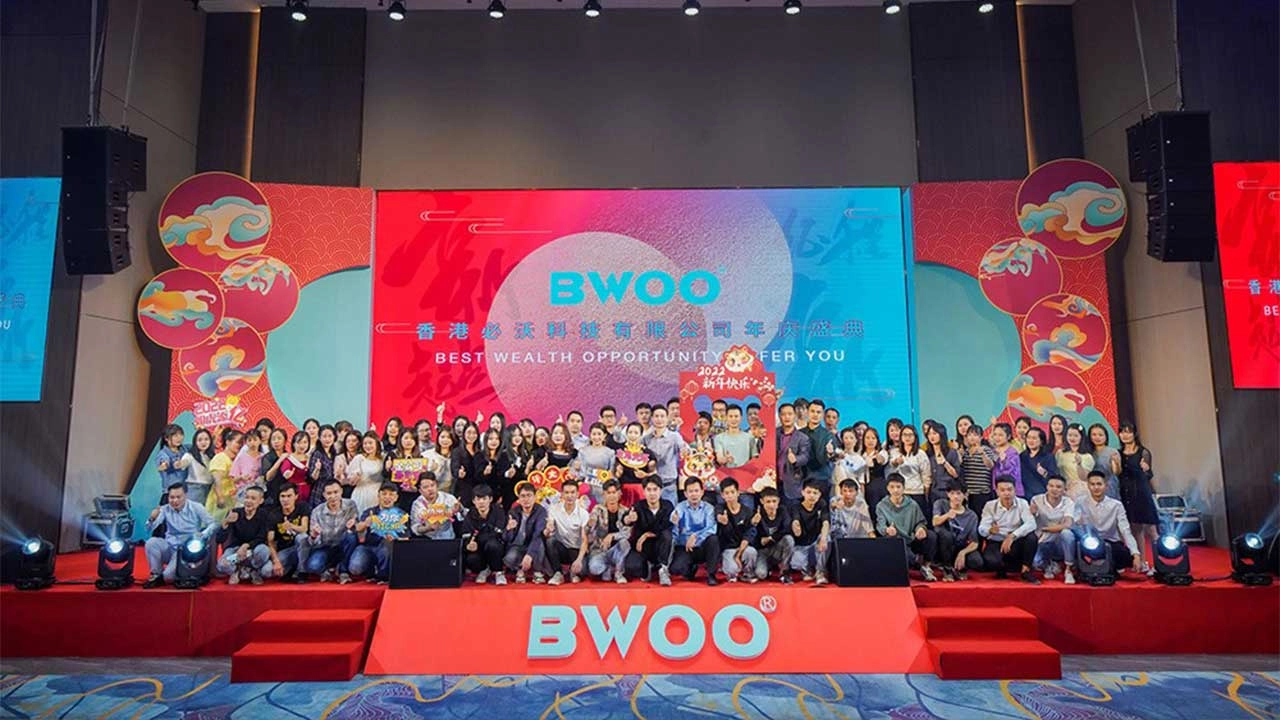
BWOO Company Annual Celebration

BWOO Celebrates The Company's Success of 2023

BWOO Shines at Global Sources Consumer Electronics Show Indonesia 2024
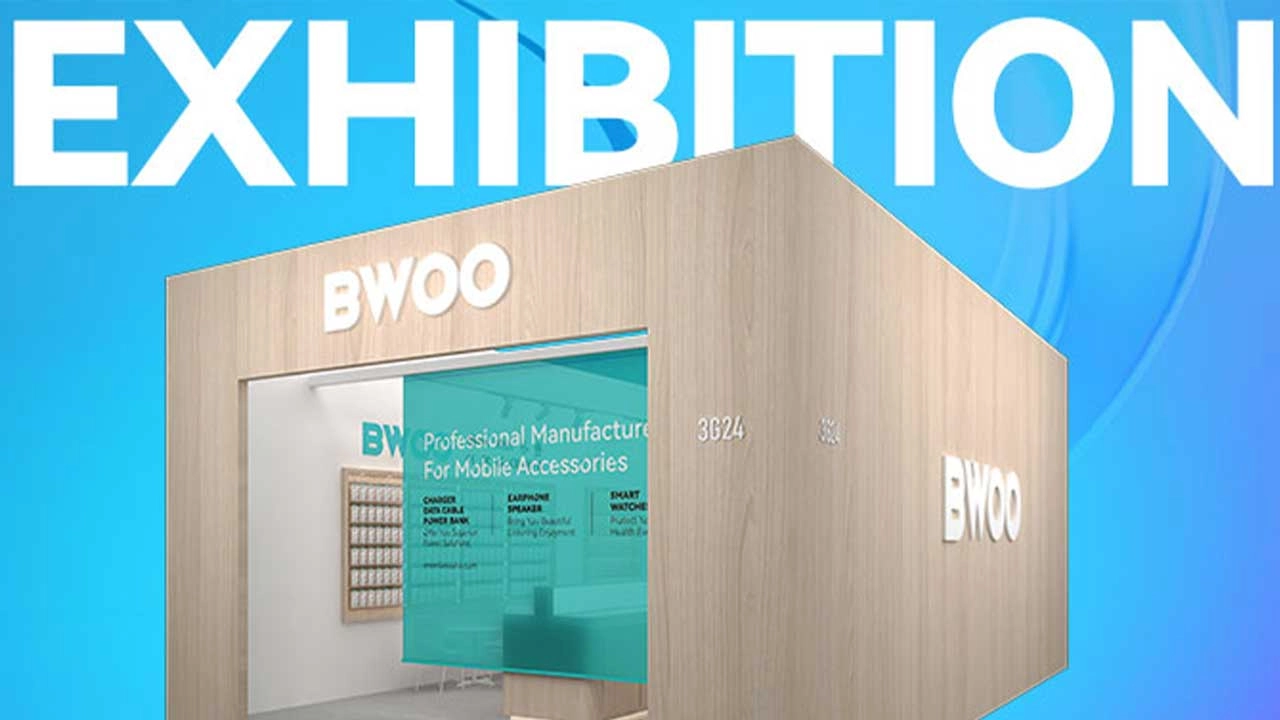
2024 Global Sources Autumn Exhibition - HongKong, Oct. 2024
Social media
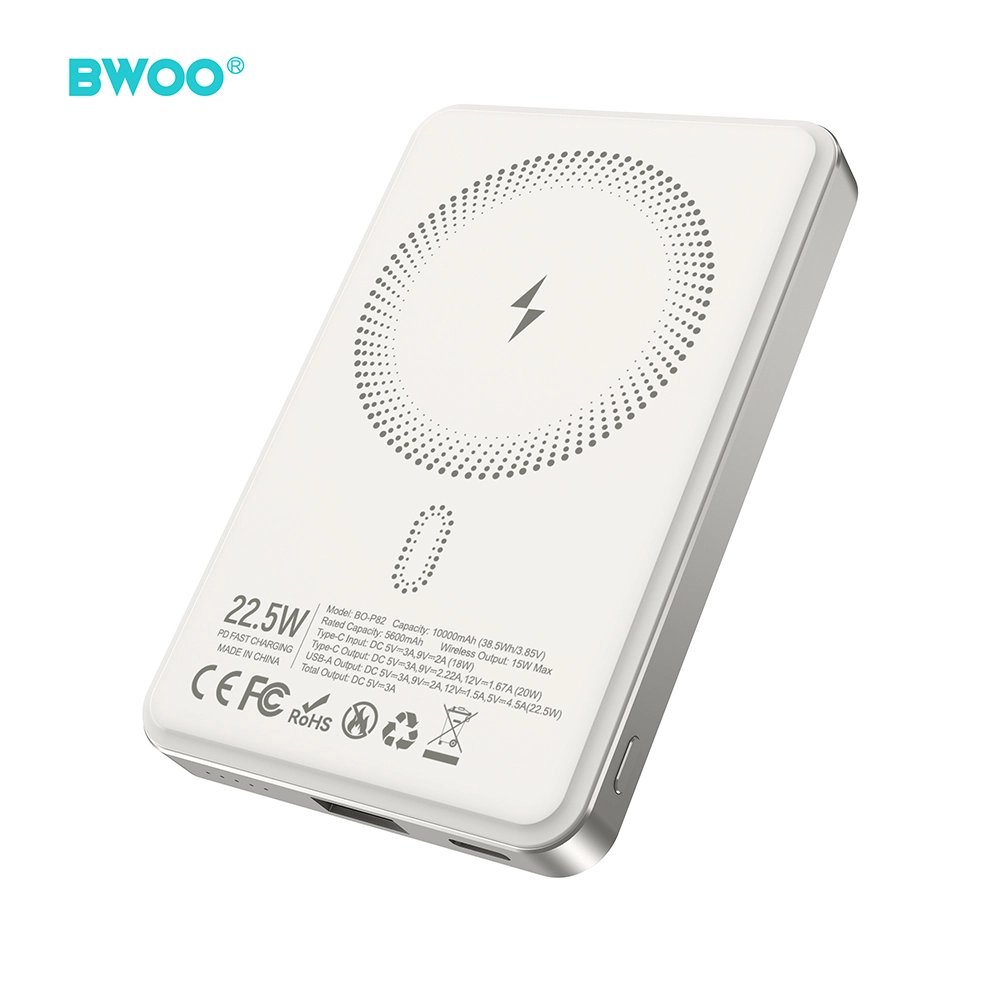
BWOO MagSafe Magnetic 10000mAh PD 22.5W 15W Fast Wireless Portable Power Bank for iPhone
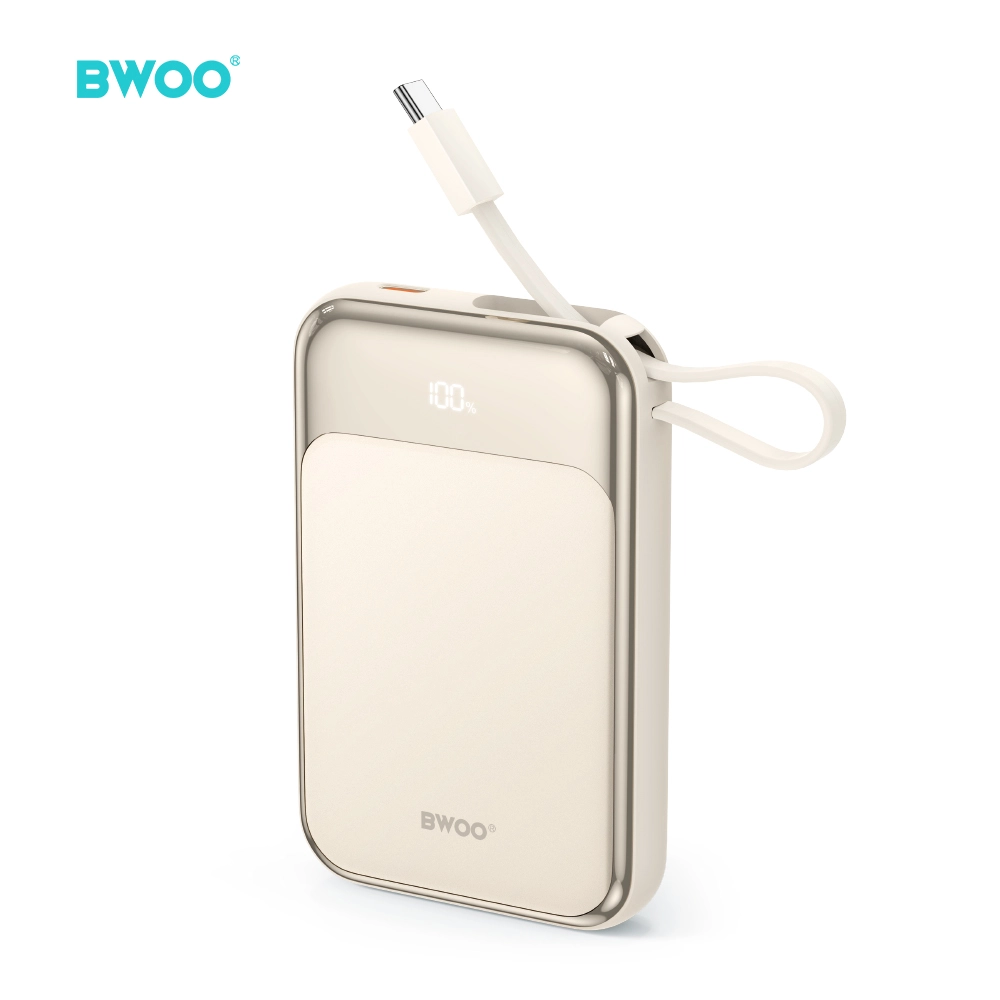
BWOO 10000mAh Power Bank Portable Charger Built in USB C Cable Fast Charging LED Display
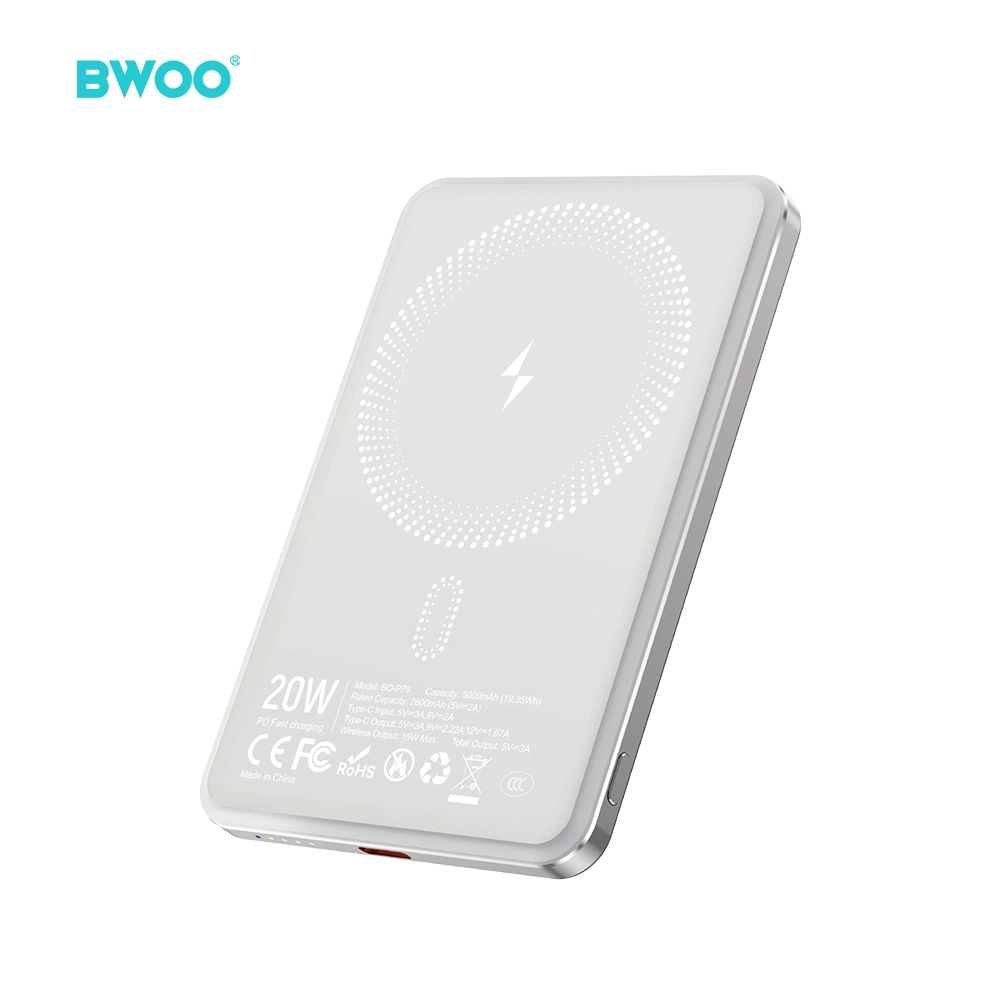
BWOO MagSafe 5000mAh Magnetic Wireless Power Bank Portable Charger for iPhone Fast Charging
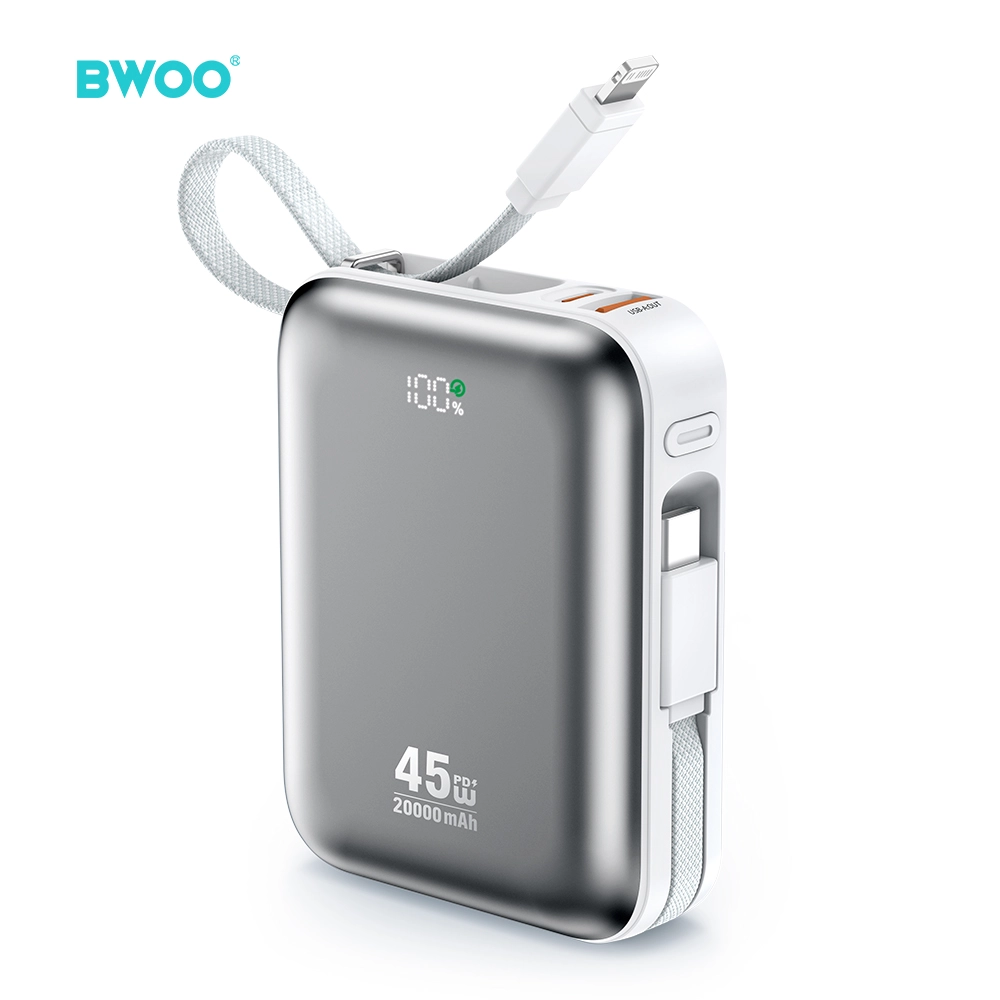
BWOO 20000mAh Power Bank Built in USB C Cable 45W PD Fast Charging Portable Charger for Travel
Have a question or want to learn more?
We’re here to help.
Follow us on social media
Empowering global smart living with certified quality and 20 years of manufacturing excellence.
Office
Rm 01, 10/F Mira Place Tower A, 132 Nathan Road, TST Kowloon, Hong Kong
Contact Information
SKYPE: +86 138 0243 8025
WhatsApp: +86 138 0243 8025
E-mail: Sales_A@gzbwoo.com
Social media
© 2026 BWOO. All Rights Reserved.
bwoo_global
BWOO Global
BWOO
Whatsapp: +8613725430886
BWOO HK TECH LIMITED