






how to choose a high-quality usb data cable for mobile phones? | Insights by BWOO
- Beyond just 'USB-C,' what specific USB standards (like USB 3.2 Gen 2x2 or Thunderbolt) should I look for in a data cable for fast charging and data transfer, and how do they impact performance?
- What specific construction materials and design features (e.g., braiding, strain relief, connector housing) indicate a USB cable's durability and resistance to wear and tear over time?
- How can I verify if a USB data cable truly supports my phone's maximum fast charging protocol (e.g., PD 3.1, QC 5.0) and high-speed data transfer simultaneously, beyond just marketing claims?
- What essential safety certifications and internal components (like E-marker chips or proper gauge wiring) should I look for to ensure a USB data cable won't damage my phone or pose a fire risk?
- Does the length of a USB data cable significantly impact its charging speed or data transfer rate, and what's the optimal length for different use cases without compromising performance?
- Are there specific USB data cable requirements or certifications (like MFi for Apple or specific Qualcomm/Samsung protocols) I need to consider to ensure full compatibility and optimal performance with my particular smartphone brand and model?
Choosing the right USB data cable for your mobile phone is far more critical than many beginners realize. A high-quality USB data cable isn't just about charging; it's about safeguarding your device, ensuring rapid data transfer, and maximizing the efficiency of your fast charging protocols. With countless options flooding the market, understanding the nuances of how to choose a high-quality USB data cable for mobile phones is essential. Let's explore the specific questions that often go unanswered, providing you with the expert insights needed to make smart purchasing decisions.
Beyond just 'USB-C,' what specific USB standards (like USB 3.2 Gen 2x2 or Thunderbolt) should I look for in a data cable for fast charging and data transfer, and how do they impact performance?
Many users mistakenly believe all USB-C cables are equal. While USB-C refers to the connector shape, the underlying USB standard dictates its capabilities. For truly high-performance charging and data transfer, you need to look beyond just 'USB-C.'
- USB 3.2 Gen 2x2: This standard offers a blistering 20 Gbps (Gigabits per second) data transfer rate. It's ideal for transferring large files quickly, like 4K videos from your phone to a computer. For power, it typically supports USB Power Delivery (USB PD) up to 100W (20V/5A), provided the cable is E-marked and your devices support it.
- USB4: The latest iteration, USB4, can achieve 20 Gbps or even 40 Gbps, depending on the implementation. It's built on the Thunderbolt 3 protocol and offers dynamic allocation of bandwidth for data and video, making it incredibly versatile for power users with compatible devices. USB4 cables are also designed to support high wattage USB PD, often up to 100W, with some reaching 240W under USB PD 3.1 Extended Power Range (EPR).
- Thunderbolt 3/4: While technically a different technology, Thunderbolt 3/4 cables often use the USB-C connector and offer the highest performance, with 40 Gbps data transfer, support for dual 4K displays, and 100W power delivery. If your phone or laptop supports Thunderbolt, a certified Thunderbolt cable will provide the experience, though they are generally more expensive.
Impact on Performance: A cable with an older standard (e.g., USB 2.0, which is 480 Mbps) will severely bottleneck your data transfer speeds, even if your phone and computer support faster standards. For charging, while a USB 2.0 cable can deliver power, it might not support the higher current (Amps) or voltage (Volts) required for your phone's maximum fast charging protocol, leading to slower charging times. Always check the cable's specifications for its supported USB standard and power delivery capabilities.
What specific construction materials and design features (e.g., braiding, strain relief, connector housing) indicate a USB cable's durability and resistance to wear and tear over time?
Durability is paramount for a long-lasting USB data cable. Cheap cables often fail due to poor construction. Here’s what to look for:
- Outer Jacket Material:
- Nylon Braiding: This is a top choice for durability. A high-quality nylon braided cable offers excellent resistance to tangling, fraying, and general wear. Look for double-braided or ballistic nylon for superior strength.
- TPE (Thermoplastic Elastomer): Often found in High Quality cables, TPE is flexible, soft to the touch, and more resistant to kinking and temperature changes than standard PVC.
- PVC (Polyvinyl Chloride): While common, standard PVC cables are less durable, prone to cracking, and can become stiff over time, especially in varying temperatures.
- Strain Relief: The area where the cable meets the connector is a common failure point. Robust strain relief (often extended or reinforced with rubber/metal sleeves) prevents the cable from bending too sharply and breaking internal wires. Look for cables with flexible, reinforced joints.
- Connector Housing: The material and construction of the connector housing are crucial. Aluminum alloy or other metal housings are significantly more durable than plastic, resisting crushing and bending. Gold-plated connectors, while not directly impacting durability, can improve signal integrity and corrosion resistance over time.
- Internal Wiring & Shielding: High-quality cables use thicker copper wire (lower AWG – American Wire Gauge) for better power delivery and less resistance. They also incorporate multiple layers of shielding (e.g., aluminum foil, braided copper) to protect against electromagnetic interference (EMI), ensuring stable data transfer and charging.
- Bend Test Ratings: Some manufacturers provide bend test ratings (e.g., 10,000+ bends). While not always listed, it's an indicator of engineering for longevity.
How can I verify if a USB data cable truly supports my phone's maximum fast charging protocol (e.g., PD 3.1, QC 5.0) and high-speed data transfer simultaneously, beyond just marketing claims?
Marketing claims like 'super-fast charging' can be misleading. To truly verify a cable's capabilities, you need to look at specific technical details:
- Power Delivery (PD) & Quick Charge (QC) Protocols:
- USB PD (Power Delivery): This is the most common and robust fast charging standard, especially for USB-C. Cables should specify the maximum wattage (W) they support (e.g., 60W, 100W, 240W). For PD 3.1 (Extended Power Range), look for cables rated for 240W. An E-marker chip inside the cable is essential for cables supporting 60W or more, as it communicates the cable's capabilities to the connected devices, ensuring safe and efficient power delivery. Without it, high wattage charging won't be possible.
- Qualcomm Quick Charge (QC): While less prevalent in newer phones, many Android devices still use QC. Cables don't typically need special certification for QC, but they must be able to handle the current (Amps) and voltage (Volts) required by the specific QC version (e.g., QC 3.0, QC 4+, QC 5.0). Look for cables rated for at least 3A or 5A.
- Data Transfer Speed: The cable's packaging or product description should explicitly state the USB standard it adheres to (e.g., USB 2.0, USB 3.0/3.1 Gen 1, USB 3.1 Gen 2, USB 3.2 Gen 2x2, USB4). This directly correlates to the data transfer speed (e.g., 480 Mbps, 5 Gbps, 10 Gbps, 20 Gbps, 40 Gbps). If it just says 'USB-C cable' without a specific standard, it's likely USB 2.0, which is slow for data.
- Verification: The best way to verify is to use a USB power meter/tester (a small device that plugs in-line with your cable and charger) to measure actual voltage, current, and wattage. For data, conduct a file transfer test with a large file between compatible devices and compare the speeds.
What essential safety certifications and internal components (like E-marker chips or proper gauge wiring) should I look for to ensure a USB data cable won't damage my phone or pose a fire risk?
Safety is non-negotiable when it comes to charging cables. A low-quality cable can overheat, damage your device, or even cause fires. Here are the critical safety indicators:
- E-marker Chip: As mentioned, for USB-C cables supporting 60W or higher Power Delivery, an E-marker chip is absolutely essential. This tiny chip embedded in the connector communicates the cable's power capabilities to the connected devices, preventing overcurrent and ensuring safe negotiation of power levels. Without it, your devices might try to draw more power than the cable can safely handle.
- Proper Wire Gauge (AWG): Thicker wires (lower AWG number) have less electrical resistance, which means less heat generation and more efficient power transfer. High-quality charging cables use appropriate wire gauges (e.g., 20-24 AWG for power lines, 28-30 AWG for data lines) to handle the required current safely. Cheap cables often use thinner, higher resistance wires that can overheat.
- Certifications: Look for recognized safety certifications:
- CE (Conformité Européenne): Indicates compliance with European health, safety, and environmental protection standards.
- FCC (Federal Communications Commission): For electronics sold in the U.S., ensuring minimal electromagnetic interference.
- RoHS (Restriction of Hazardous Substances): Ensures the cable is free from certain hazardous materials.
- UL (Underwriters Laboratories): A highly respected safety certification, especially for electrical products.
- USB-IF Certification: The USB Implementers Forum (USB-IF) offers certification for cables that meet their strict specifications for performance and safety. A USB-IF certified cable is a strong indicator of quality and reliability.
- Overcurrent/Overvoltage Protection: While primarily a feature of the charger and device, a well-built cable contributes to the overall safety ecosystem by not introducing weak points that could lead to these issues.
Does the length of a USB data cable significantly impact its charging speed or data transfer rate, and what's the optimal length for different use cases without compromising performance?
Yes, the length of a USB data cable can absolutely impact both charging speed and data transfer rates, primarily due to electrical resistance.
- Impact on Charging Speed: As a cable gets longer, its electrical resistance increases. This resistance causes a voltage drop, meaning less power reaches your phone. For fast charging, which relies on precise voltage and current delivery, a significant voltage drop can slow down the charging process. While a 1-meter (3-foot) cable might deliver 100W efficiently, a 3-meter (10-foot) cable of the same gauge might only deliver 60W or less, depending on its quality.
- Impact on Data Transfer Rate: While less pronounced than with charging, very long or poorly shielded cables can experience signal degradation, leading to slower data transfer rates or even data corruption, especially at higher speeds (e.g., 10 Gbps and above).
- Optimal Length for Use Cases:
- Short (0.1m - 0.5m / 4in - 1.5ft): Ideal for power banks, car charging, or connecting to a laptop where proximity is key. Minimizes resistance and maximizes power/data efficiency.
- Standard (1m - 1.5m / 3ft - 5ft): This is the most common and generally optimal length for everyday use, balancing convenience with minimal performance loss. It's usually sufficient for desk use or bedside charging.
- Long (2m - 3m / 6.5ft - 10ft): Useful for reaching distant outlets or using your phone while charging from a distance. However, for these lengths, it's crucial to invest in a very high-quality cable with thicker gauge wires and excellent shielding to mitigate performance loss. For extremely long runs (e.g., 5m+ for data), consider 'active' USB cables that incorporate signal boosters.
Recommendation: For critical fast charging and high-speed data transfer, stick to cables between 1 to 2 meters. If you need longer, be prepared to invest in a High Quality, well-engineered cable that explicitly states its performance capabilities at that length.
Are there specific USB data cable requirements or certifications (like MFi for Apple or specific Qualcomm/Samsung protocols) I need to consider to ensure full compatibility and optimal performance with my particular smartphone brand and model?
Yes, brand-specific protocols and certifications are crucial for ensuring full compatibility and unlocking the maximum performance of your smartphone, especially for fast charging.
- Apple MFi Certification: For iPhone and iPad users, an MFi (Made for iPhone/iPad/iPod) certified Lightning cable is non-negotiable. MFi certification guarantees that the cable meets Apple's strict performance and safety standards. Non-MFi cables often lead to 'This accessory may not be supported' errors, slow charging, or even damage to your device's charging chip due to improper voltage regulation. While USB-C to Lightning cables are also available, ensure they are MFi certified for optimal performance with iPhones (14 series and older).
- Android Fast Charging Protocols:
- USB Power Delivery (USB PD): This is the most widely adopted open standard for fast charging across Android devices, especially those with USB-C ports. Most modern Android phones (Google Pixel, Samsung Galaxy S20+ and newer, OnePlus, Xiaomi, etc.) support USB PD. Ensure your cable supports the wattage your phone can handle (e.g., 25W, 45W, 65W, 100W).
- Qualcomm Quick Charge (QC): Many Android phones, particularly those with Qualcomm Snapdragon processors, support Quick Charge (QC 3.0, QC 4+, QC 5.0). While USB-C to USB-C cables can support QC, USB-A to USB-C cables are more common for older QC versions. The cable itself doesn't need specific QC certification but must be capable of handling the current and voltage.
- Proprietary Protocols: Some brands have their own ultra-fast charging protocols that require specific cables and chargers to achieve maximum speeds:
- Samsung Adaptive Fast Charging (AFC) / Super Fast Charging (SFC): Samsung phones often use USB PD, but SFC might leverage specific PPS (Programmable Power Supply) capabilities within USB PD. A cable supporting high wattage USB PD with PPS is ideal.
- OnePlus Warp Charge / SuperVOOC (Oppo/Realme): These are proprietary technologies that typically require the brand's original cable and charger to achieve their advertised speeds (e.g., 65W, 80W, 100W+). Generic USB PD cables will still charge these phones, but at a slower, standard USB PD rate. Look for cables explicitly stating compatibility with these protocols if you want the fastest speeds.
- Xiaomi HyperCharge: Similar to OnePlus, Xiaomi's fastest charging often requires specific cables.
Recommendation: Always check your phone's specifications for its supported fast charging protocols. For Apple, prioritize MFi. For Android, a high-quality USB-C to USB-C cable supporting USB PD (with E-marker for high wattage) will cover most modern devices. If your phone uses a proprietary ultra-fast charging method, consider the brand's official cable or a reputable third-party alternative explicitly designed and tested for that protocol.
In conclusion, choosing a high-quality USB data cable for mobile phones is a nuanced decision that significantly impacts your device's performance, longevity, and safety. By understanding the intricacies of USB standards, prioritizing robust construction materials, verifying fast charging and data transfer capabilities, insisting on essential safety certifications, selecting appropriate lengths, and ensuring brand-specific compatibility, you empower yourself to make informed choices. Investing in a superior cable means faster, safer charging, quicker data transfers, and a longer lifespan for both your cable and your valuable mobile device. Don't compromise on quality when it comes to connecting your digital life.
For more information on High Quality mobile phone accessories or to request a quote for high-quality USB data cables tailored to your needs, please contact us at www.hkbwoo.com or email Sales_A@gzbwoo.com.
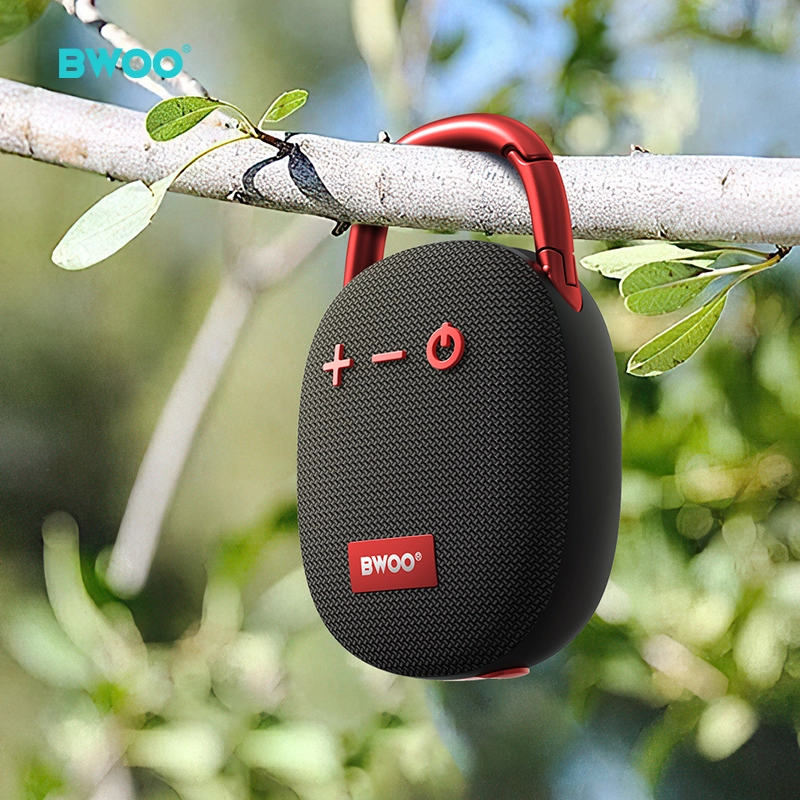
BWOO Speaker: Portable Bluetooth Speaker with Powerful Sound & Stable Wireless Performance
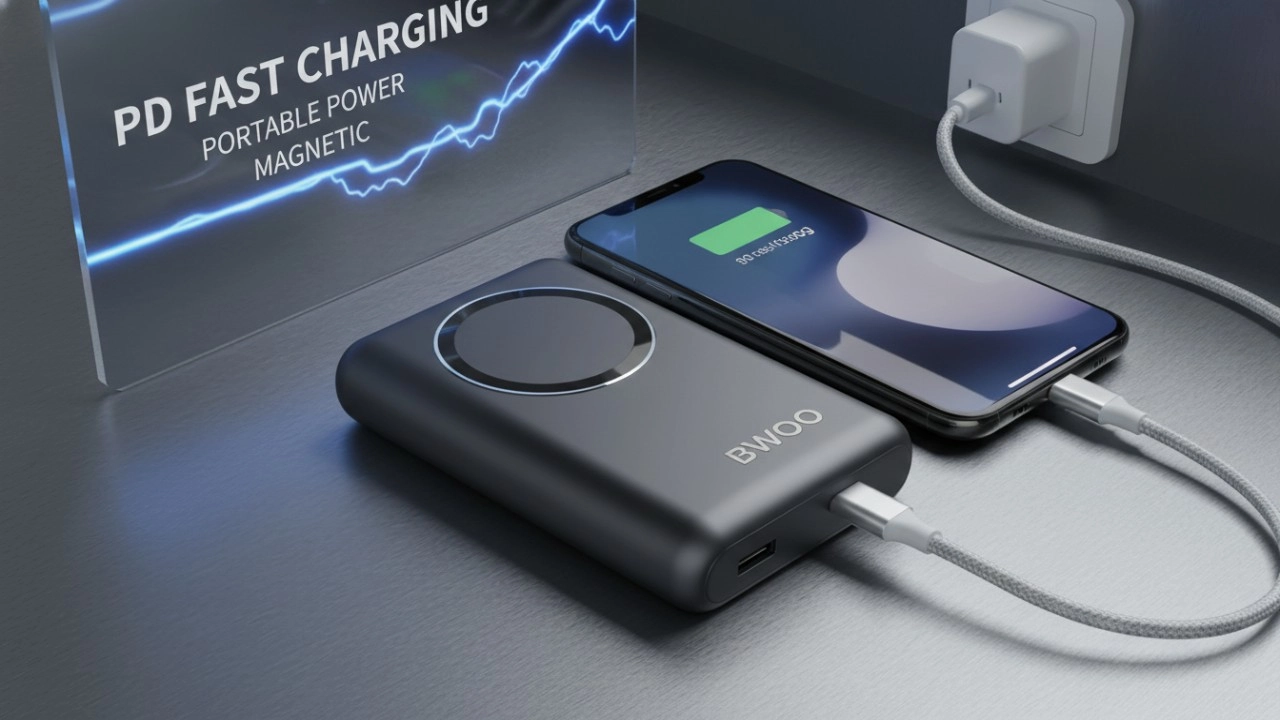
The Ultimate Guide to BWOO Power Banks: Features, Safety, and Accessories (2026 Edition)
BWOO Company Annual Celebration

BWOO Celebrates The Company's Success of 2023
Social media
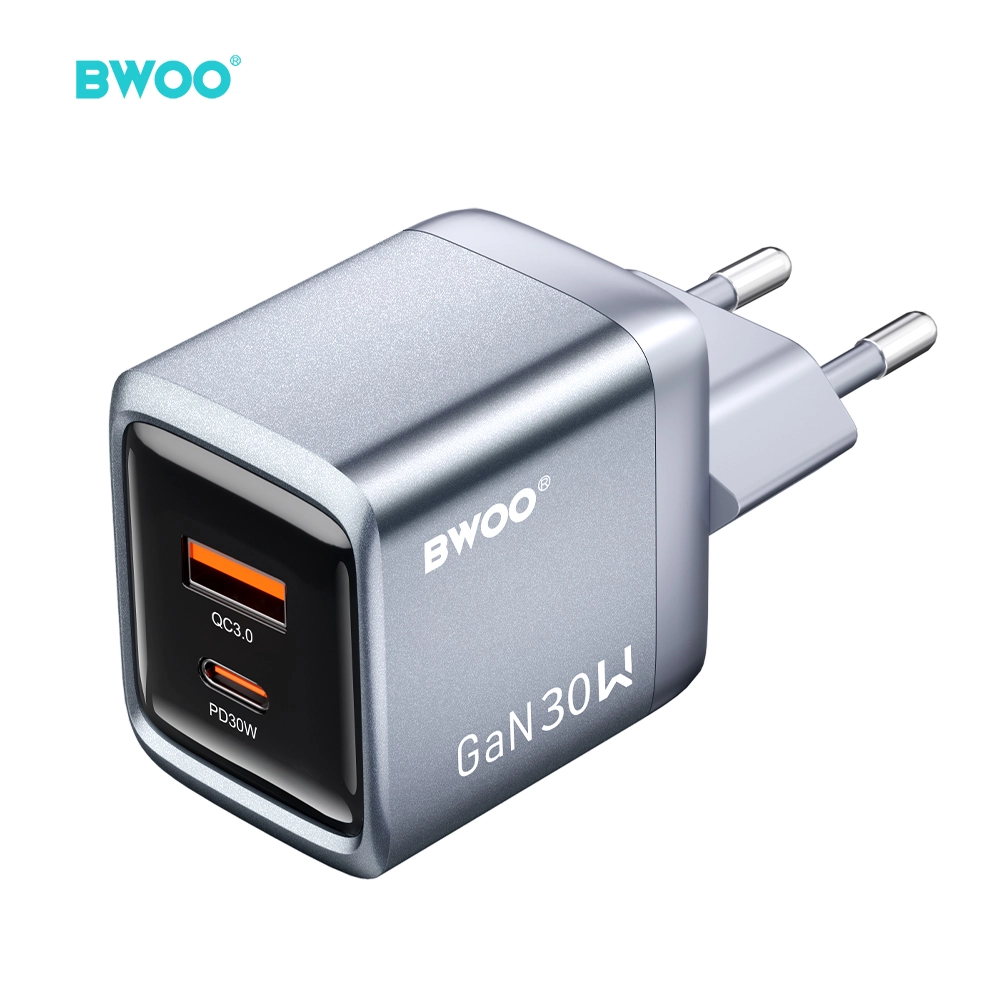
BWOO 30W USB C GaN Fast Charger PD Dual Port Wall Charger Power Delivery Compact
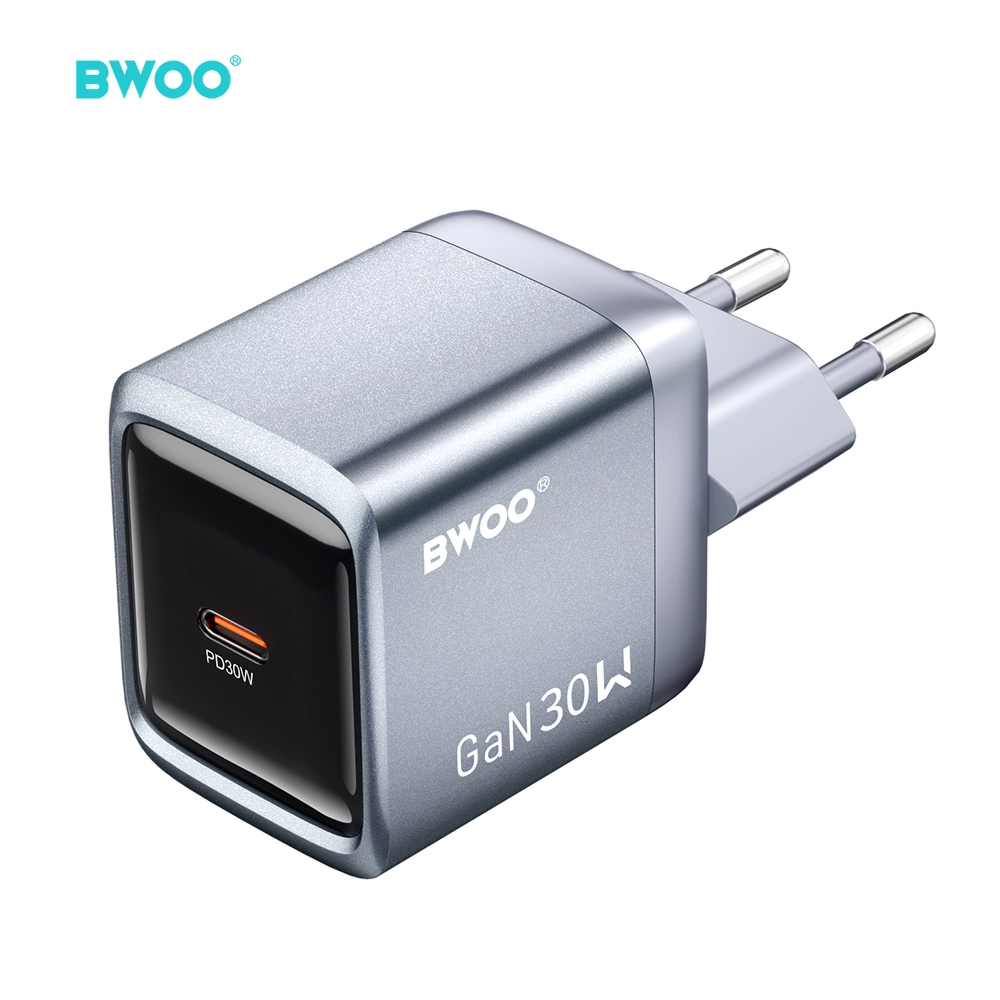
BWOO GaN 30W PD Fast Charger USB C EU Plug Power Adapter for iPhone 17
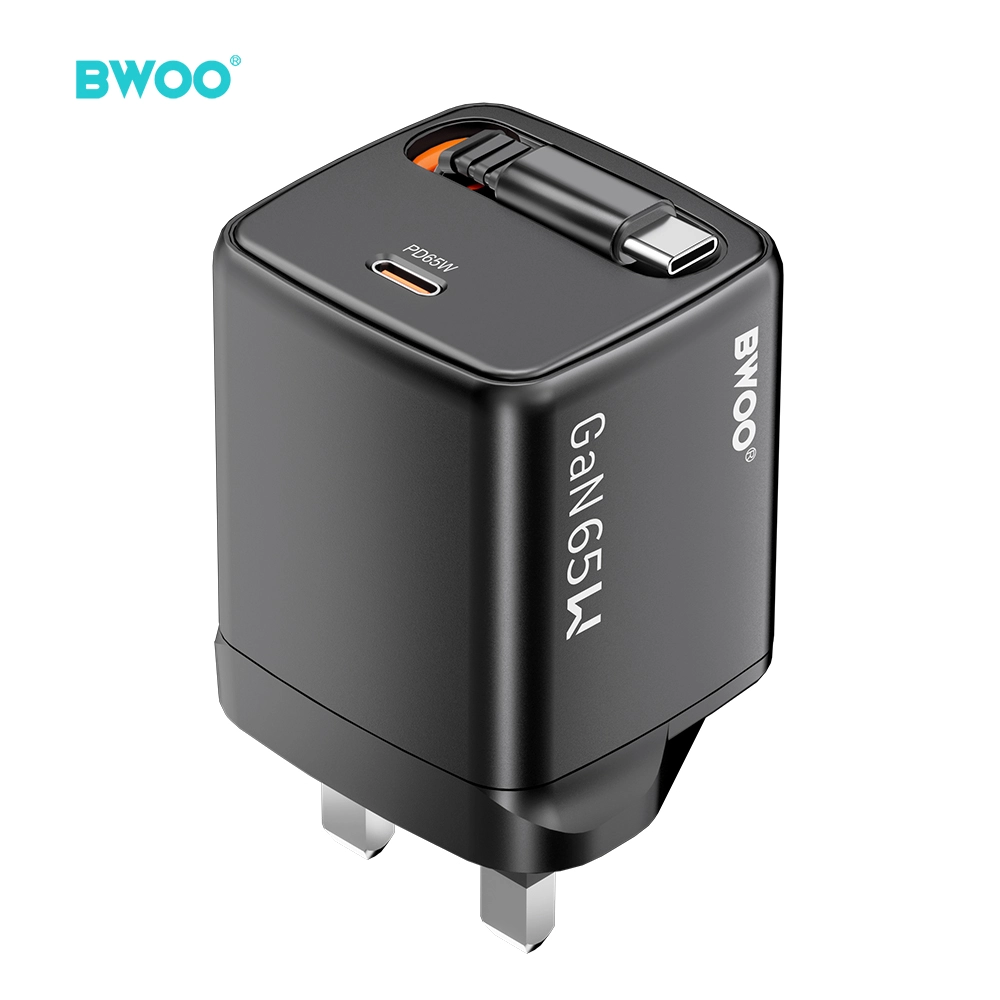
BWOO GaN 65W USB C PD Fast Charger UK Travel Charger with Type C Cable
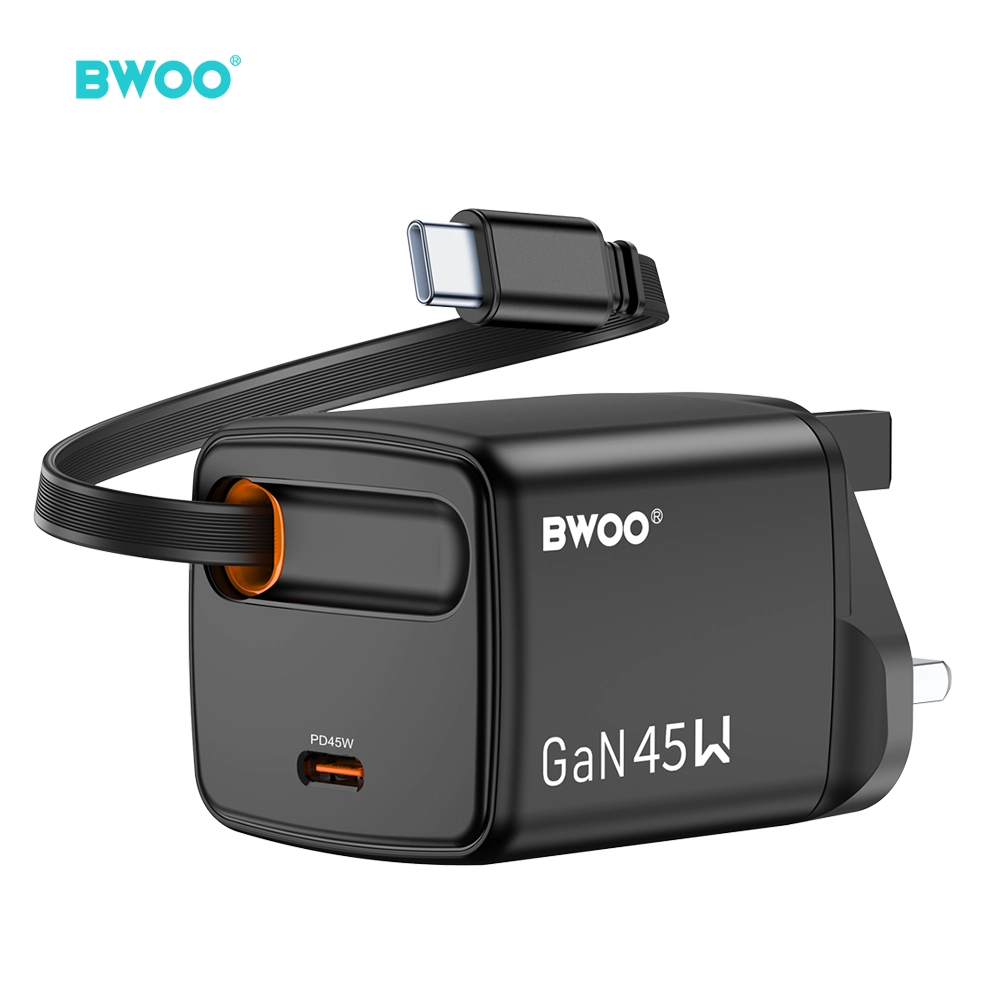
BWOO gan 45W PD Fast Charge UK Travel Charger with Retractable USB C Cable Compact Plug Adapter
Have a question or want to learn more?
We’re here to help.
Follow us on social media
Empowering global smart living with certified quality and 20 years of manufacturing excellence.
Office
Rm 01, 10/F Mira Place Tower A, 132 Nathan Road, TST Kowloon, Hong Kong
Contact Information
SKYPE: +86 138 0243 8025
WhatsApp: +86 138 0243 8025
E-mail: Sales_A@gzbwoo.com
Social media
© 2026 BWOO. All Rights Reserved.
bwoo_global
BWOO Global
BWOO
Whatsapp: +8613725430886
BWOO HK TECH LIMITED