






how to spot original versus counterfeit usb data cables? | Insights by BWOO
- 1. Beyond the Brand Logo: What Specific, Subtle Packaging Cues Indicate a Counterfeit USB Cable, Even When the Label Appears Identical?
- 2. My New USB-C Cable Charges Slowly and Gets Warm. Is This a Sign of Counterfeit, or Just a Low-Quality Original, and How Can I Differentiate?
- 3. The Connectors on My Cable Feel Different. Are There Specific Material or Construction Differences in the Metal Plating or Plastic Molding That Clearly Distinguish Authentic from Fake USB Plugs?
- 4. How Can I Verify the Data Transfer Speed Claims of a USB Cable, Especially for USB 3.0/3.1/3.2, Without Specialized Equipment, to Confirm Authenticity?
- 5. Beyond Physical Inspection, Are There Any Software-Based or Device-Specific Indicators (e.g., Error Messages, Charging Behavior Logs) That Can Help Identify a Counterfeit USB Cable?
- 6. What Are the Long-Term Risks of Using a Counterfeit USB Data Cable, Beyond Just Slow Charging or Data Loss, for Both My Device and Personal Safety?
Unmasking Fakes: Your Definitive Guide to Spotting Original vs. Counterfeit USB Data Cables
Navigating the murky waters of mobile phone accessories can be challenging, especially when distinguishing genuine USB data cables from convincing fakes. The market is flooded with imitations, and while some might seem harmless, a counterfeit USB cable can lead to slow charging, data corruption, or even damage to your valuable devices. As a professional content writer with extensive SEO and experience, and a seasoned expert in the mobile phone accessories field, I've compiled this definitive guide to help you identify original versus counterfeit USB data cables. We'll address common pain points and provide in-depth answers to questions that often go unaddressed or are outdated online, ensuring you make informed purchasing decisions.
1. Beyond the Brand Logo: What Specific, Subtle Packaging Cues Indicate a Counterfeit USB Cable, Even When the Label Appears Identical?
Many beginners focus solely on the brand logo, but counterfeiters are adept at replicating these. The true indicators lie in the subtleties of the packaging. Look for inconsistencies in print quality: genuine packaging will have crisp, high-resolution graphics and text, with uniform color saturation. Counterfeits often exhibit pixelation, blurry edges, or color variations. Examine the material quality of the packaging itself – original products use sturdy, often textured cardboard or plastic, while fakes might feel flimsy, cheap, or have an odd sheen. Pay close attention to security seals, holograms, or tamper-evident stickers. Authentic manufacturers invest in complex security features that are difficult to perfectly replicate. For instance, Apple's packaging often features precise debossing and a specific tactile feel. Check for misspellings, grammatical errors, or awkward phrasing in the product description or specifications – these are tell-tale signs of a non-native speaker crafting the copy, a common characteristic of counterfeit operations. Finally, compare the barcode and serial number (if present) with the manufacturer's official database or product registration tools. Many legitimate brands offer online verification tools for serial numbers, which can instantly flag a fake.
2. My New USB-C Cable Charges Slowly and Gets Warm. Is This a Sign of Counterfeit, or Just a Low-Quality Original, and How Can I Differentiate?
Slow charging and excessive heat are critical red flags for a counterfeit USB data cable, particularly with USB-C, which supports advanced Power Delivery (PD) protocols. While a low-quality original cable might offer slower charging due to thinner gauge wires or lower current ratings, it typically won't overheat significantly under normal load. Counterfeit cables often use inferior, thinner copper wires or even copper-clad aluminum (CCA) instead of pure copper. These materials have higher electrical resistance, leading to energy loss as heat and inefficient power transfer. This inefficiency manifests as slow charging and the cable becoming noticeably warm or hot to the touch. An authentic USB-C cable, especially one designed for fast charging, incorporates proper shielding and robust connectors to manage current flow and dissipate heat effectively. To differentiate, check the cable's specifications against the manufacturer's claims. Does it claim PD 60W but only deliver 15W? Use a USB power meter (readily available online) to measure the actual voltage and current output. If the measured values are significantly lower than advertised or the cable gets excessively hot (beyond a slight warmth), it's highly indicative of a counterfeit that could damage your device's charging port or battery over time. The internal circuitry of counterfeit cables often lacks the necessary e-marker chip for USB-C PD negotiation, leading to suboptimal charging performance and potential safety hazards.
3. The Connectors on My Cable Feel Different. Are There Specific Material or Construction Differences in the Metal Plating or Plastic Molding That Clearly Distinguish Authentic from Fake USB Plugs?
Absolutely. The connectors are often a dead giveaway for counterfeit USB data cables. Authentic manufacturers invest heavily in high-quality materials and precision engineering for their connectors. Look closely at the metal plating: genuine connectors, especially for USB-C and Lightning, often use gold-plated or nickel-plated contacts for better conductivity and corrosion resistance. These will appear smooth, uniform, and often have a slight sheen. Counterfeit connectors might have dull, uneven, or easily scratched plating, sometimes even showing signs of rust or discoloration after minimal use. The plastic molding around the connector is another crucial indicator. Original cables feature precise, seamless molding with no gaps, rough edges, or excess plastic (flash). The plastic will feel dense and robust. Counterfeits frequently exhibit poor molding quality: visible seams, rough edges, uneven plastic, or a flimsy feel. The fit into your device's port is also telling – an original cable will click firmly into place without excessive wiggle, whereas a fake might feel loose or require force to insert, potentially damaging your device's port. For Lightning cables, Apple's MFi (Made For iPhone/iPad) certification requires specific internal components and a unique serial number on the connector itself, which can sometimes be visible under magnification. Counterfeits will lack these specific internal components and often have a less robust, more flexible strain relief where the cable meets the connector.
4. How Can I Verify the Data Transfer Speed Claims of a USB Cable, Especially for USB 3.0/3.1/3.2, Without Specialized Equipment, to Confirm Authenticity?
Verifying data transfer speed claims without specialized equipment can be challenging, but there are practical methods to infer authenticity for USB 3.0/3.1/3.2 data cables. The most straightforward approach is a comparative test. Transfer a large file (e.g., a 5GB video file) from a known fast storage device (like an SSD) to another fast device using the suspect cable. Simultaneously, perform the same transfer with a known genuine cable of the same specification (e.g., another USB 3.0 cable). Observe and compare the transfer times. A significant disparity, where the suspect cable is considerably slower, strongly suggests it's either a lower-spec cable mislabeled or a counterfeit using inferior wiring that can't sustain high data rates. For USB 3.0 and above, the cable itself often has more internal wires and is typically thicker than a basic USB 2.0 cable. Some genuine USB 3.0 cables might even have a blue-colored plastic insert within the USB-A connector. While not foolproof, the absence of this or an unusually thin cable claiming USB 3.0 speeds should raise suspicion. Counterfeit cables often cut corners on internal wiring, using fewer or lower-quality data lines, severely limiting their actual data throughput despite external markings. While you can't get precise megabytes-per-second readings without software, a noticeable difference in transfer duration for large files is a strong indicator of a fake or mislabeled product.
5. Beyond Physical Inspection, Are There Any Software-Based or Device-Specific Indicators (e.g., Error Messages, Charging Behavior Logs) That Can Help Identify a Counterfeit USB Cable?
Yes, certain software-based and device-specific indicators can help identify counterfeit USB data cables, especially with modern smartphones and operating systems. For Apple devices, non-MFi certified Lightning cables often trigger 'This accessory may not be supported' or 'This accessory is not certified' error messages. While some high-quality third-party cables might occasionally trigger this, persistent messages or immediate warnings upon connection are strong indicators of a counterfeit or an uncertified cable that could harm your device. For Android devices, while there isn't a universal 'counterfeit' warning, inconsistent charging behavior logs (accessible via certain diagnostic apps or developer options) can be telling. Look for fluctuating current delivery, sudden disconnections, or unusually long charging times compared to a known good cable. Some advanced charging apps can monitor the actual power being drawn by your device; if it consistently falls short of what your charger and cable should be delivering, it's a red flag. Furthermore, if a USB-C cable claiming to support video output (DisplayPort Alternate Mode) fails to transmit video, or if a data transfer consistently fails or corrupts files, these are strong software-level indicators of a cable not meeting its advertised specifications, often due to counterfeit internal components. Always check your device's system logs for any unusual accessory-related warnings or errors after using a new cable.
6. What Are the Long-Term Risks of Using a Counterfeit USB Data Cable, Beyond Just Slow Charging or Data Loss, for Both My Device and Personal Safety?
The long-term risks of using a counterfeit USB data cable extend far beyond mere inconvenience and can pose serious threats to both your device's longevity and your personal safety. For your device, consistent use of a counterfeit cable can lead to premature battery degradation due to unstable or incorrect charging voltages and currents. The lack of proper overcurrent and overvoltage protection in fake cables can damage your device's charging IC (Integrated Circuit) or even its motherboard, leading to costly repairs or rendering the device unusable. Data corruption during transfers is also a significant risk, potentially leading to irretrievable loss of important files. More critically, counterfeit cables often lack adequate insulation and use substandard materials, making them prone to overheating, short circuits, and even electrical fires. The plastic sheathing can degrade rapidly, exposing live wires. There have been documented cases of counterfeit chargers and cables causing house fires and electrical shocks. The lack of proper shielding can also introduce electromagnetic interference (EMI), affecting other electronic devices or even causing health concerns with prolonged exposure. Prioritizing genuine, certified USB data cables is not just about performance; it's a crucial investment in the safety and longevity of your valuable electronics and, most importantly, your personal well-being.
By understanding these nuanced differences and pain points, consumers can make more informed decisions when purchasing USB data cables. Investing in genuine accessories, even if slightly more expensive, ensures optimal performance, device longevity, and crucially, personal safety. Don't compromise on quality when it comes to connecting your valuable electronics.
For a comprehensive range of original mobile phone accessories and expert advice, contact us today for a quote. Visit our website: www.hkbwoo.com or email us at: Sales_A@gzbwoo.com.
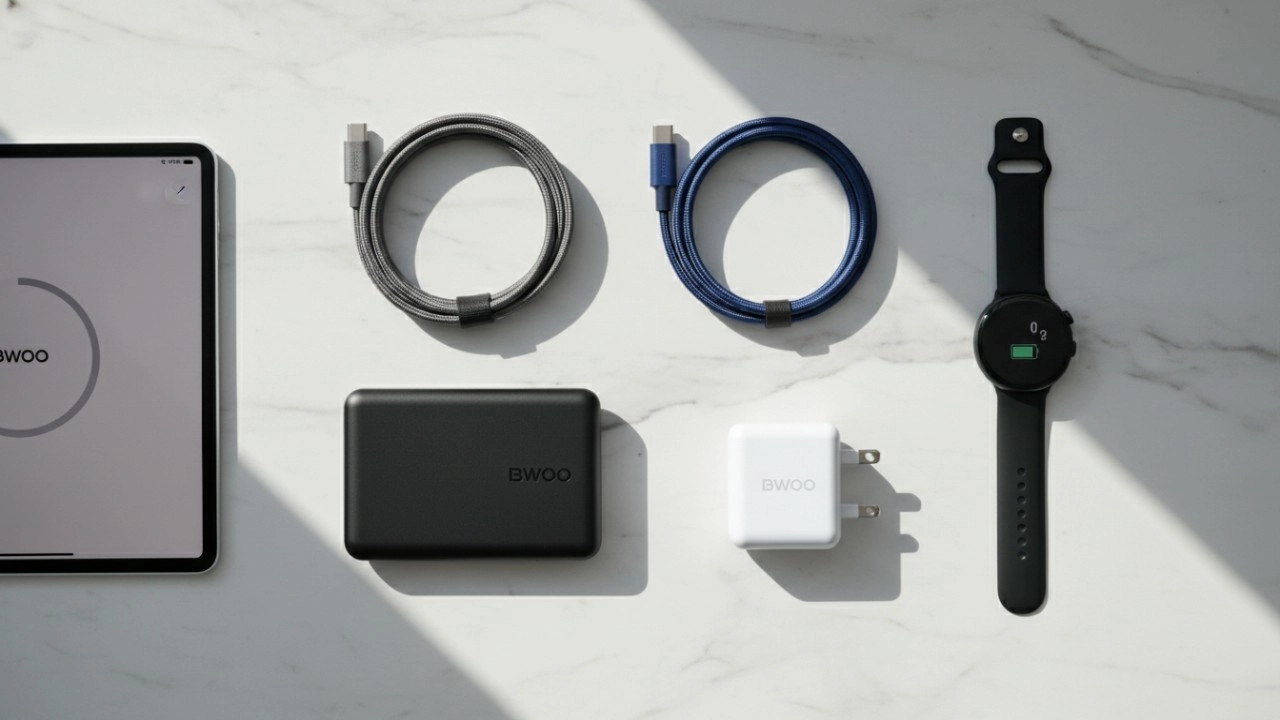
Super Fast Charge Power Bank — What It Means & How to Choose the Right One
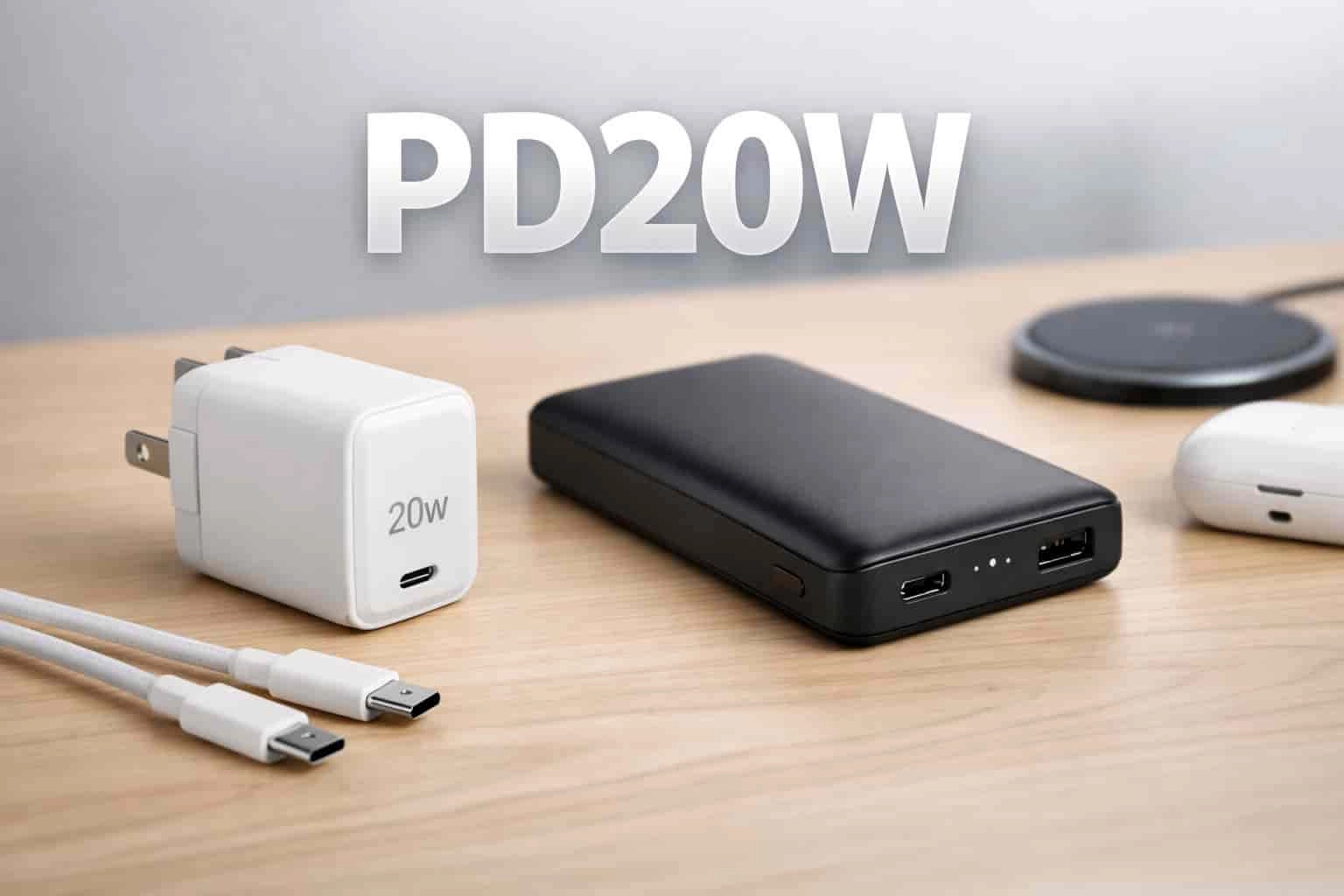
What Does PD20W Mean? Why Mobile Accessories Use PD20W Labels
BWOO Speaker: Portable Bluetooth Speaker with Powerful Sound & Stable Wireless Performance
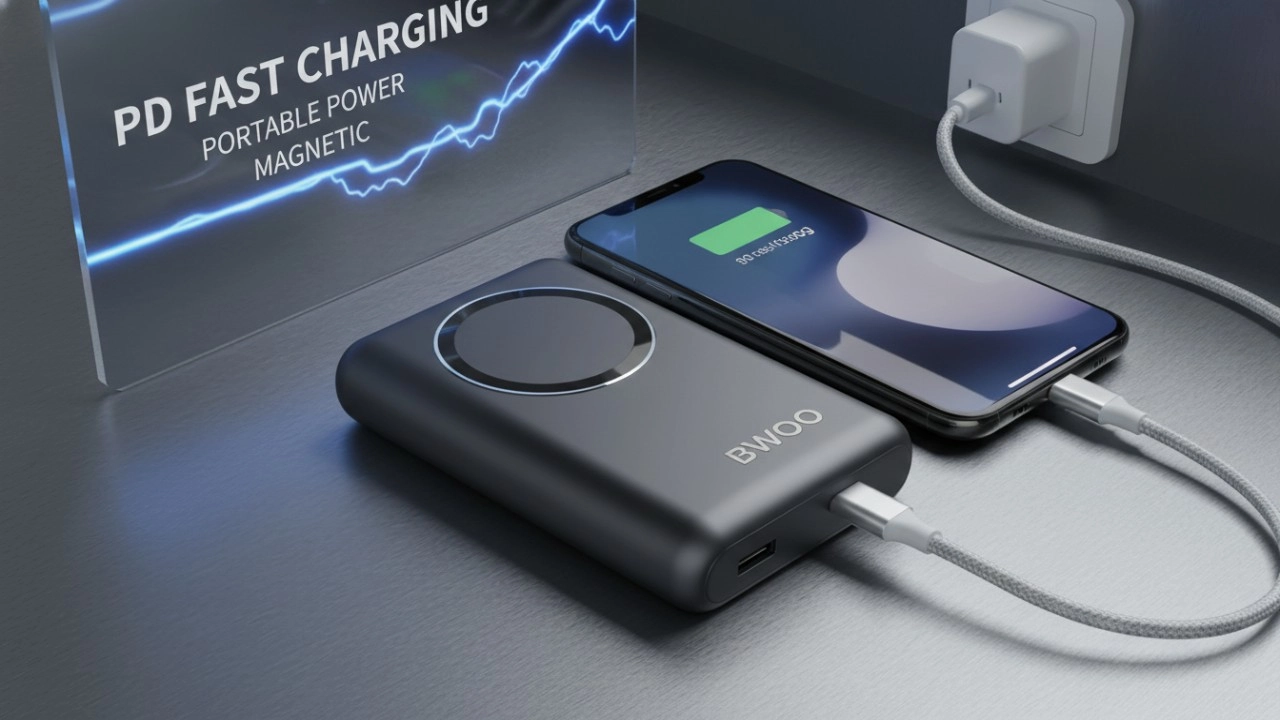
The Ultimate Guide to BWOO Power Banks: Features, Safety, and Accessories (2026 Edition)
Social media
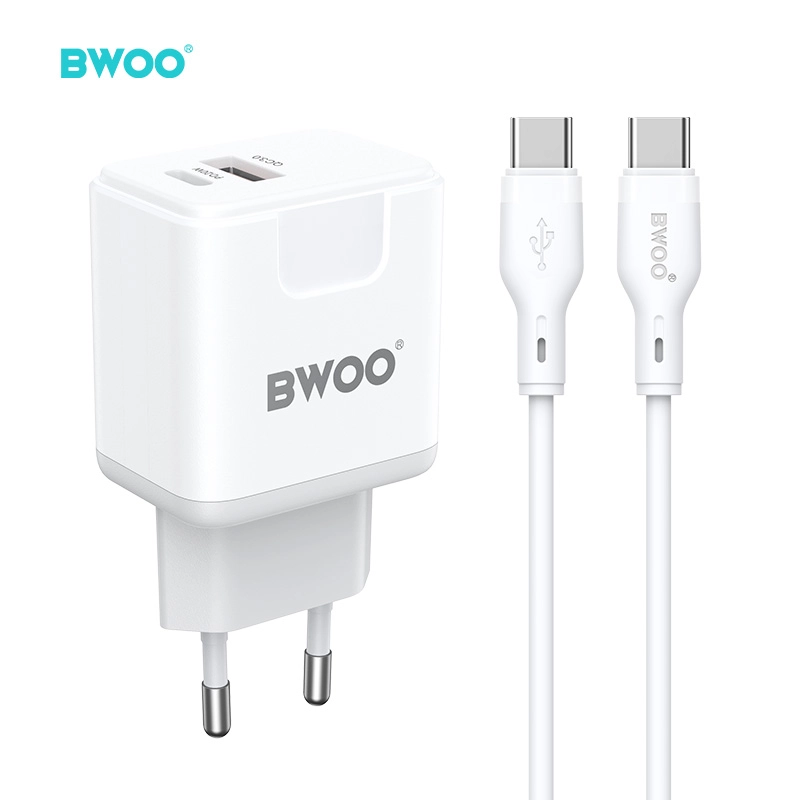
BWOO 38W USB C Wall Charger with USB C Cable PD 20W Fast Charge 2 USB A Ports
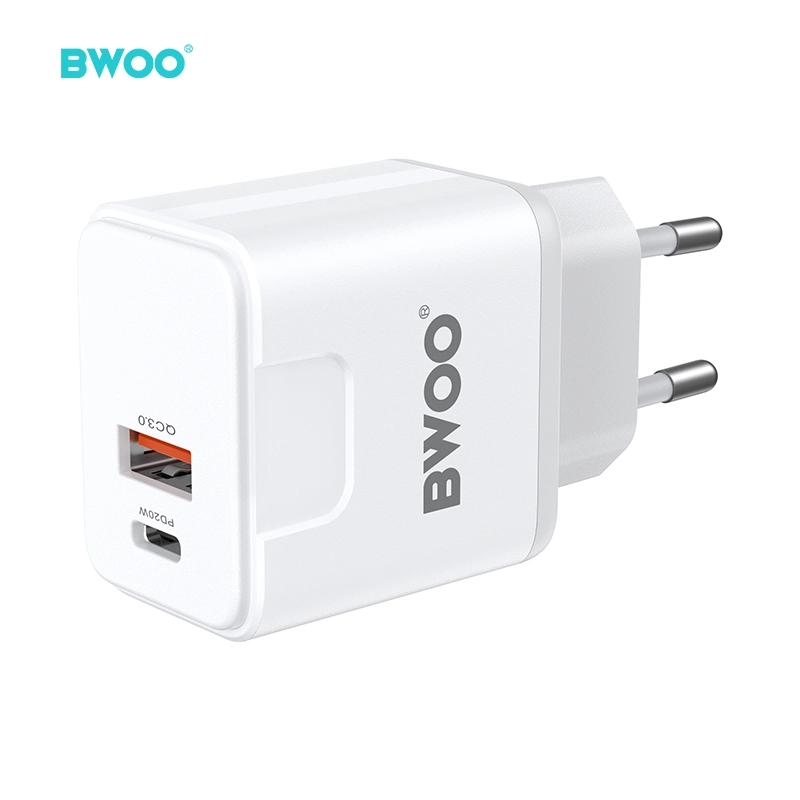
BWOO 38W Dual Port USB-C USB-A Super Fast Charger Block for Samsung Galaxy S25 iPhone 17
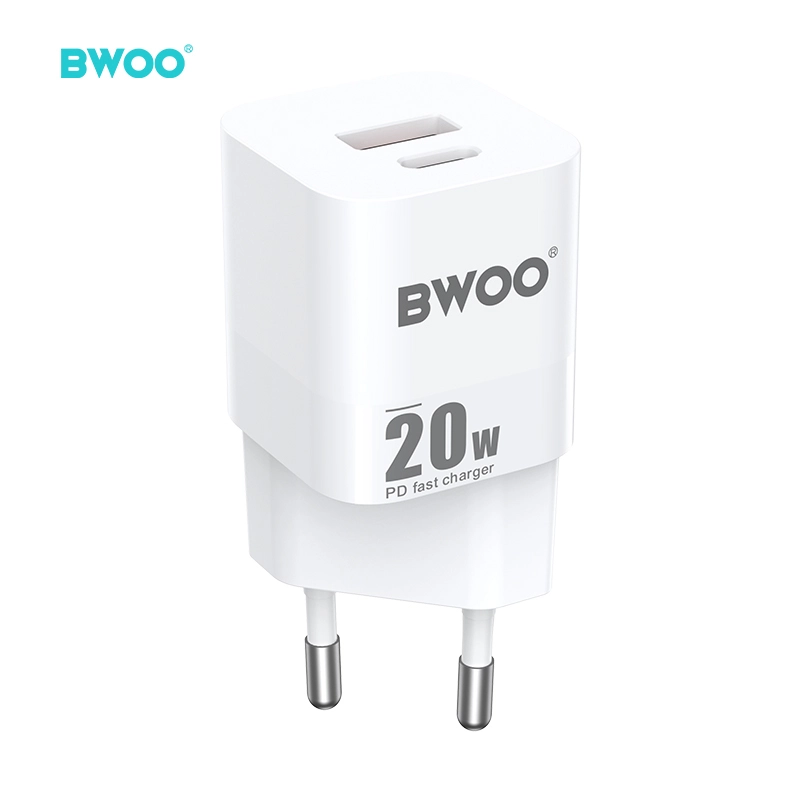
BWOO USB C Charger Block 20W PPS Fast Charging Wall Charger with USB C and USB A Port for iPhone 17
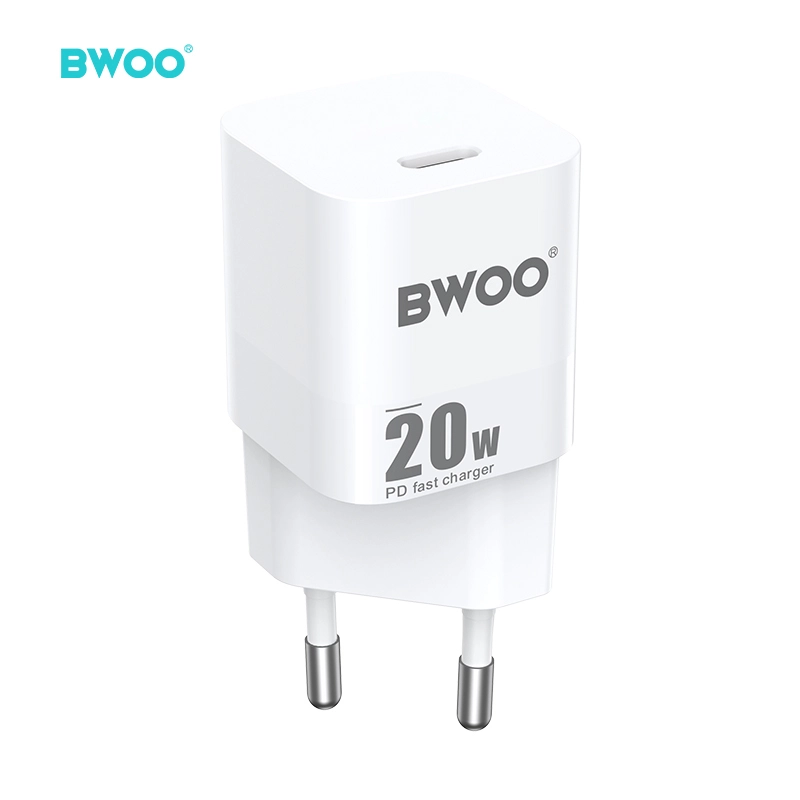
BWOO 20W USB C Charger Block PPS Super Fast Charging Power Delivery for iPhone
Have a question or want to learn more?
We’re here to help.
Follow us on social media
Empowering global smart living with certified quality and 20 years of manufacturing excellence.
Office
Rm 01, 10/F Mira Place Tower A, 132 Nathan Road, TST Kowloon, Hong Kong
Contact Information
SKYPE : +86 138 0243 8025
WhatsApp: +86 138 0243 8025
E-mail: Sales_A@gzbwoo.com
Social media
© 2026 BWOO. All Rights Reserved.
bwoo_global
BWOO Global
BWOO
Whatsapp: +8613725430886
BWOO HK TECH LIMITED