






do usb data cables support high-speed data transfer (usb 3.0)? | Insights by BWOO
- My new phone supports USB 3.0, but my old cable feels slow. Is it the cable or my phone settings?
- I see 'USB 3.0 compatible' on a cheap cable. Does that guarantee 5Gbps transfer for large video files from my phone to PC?
- Can a USB 2.0 port on my laptop bottleneck a USB 3.0 cable connected to my high-end smartphone for data transfer?
- Beyond speed, are there other benefits to using a genuine USB 3.0 cable for my mobile device, like faster charging or better signal integrity?
- How can I visually identify a true USB 3.0 data cable from a USB 2.0 one, especially when buying online for my new tablet?
- My phone charges quickly with a USB 3.0 cable, but data transfer is still slow. What could be the issue, and is it a common problem with mobile accessories?
Do USB Data Cables Support High-Speed Data Transfer (USB 3.0) for Mobile Devices?
In today's fast-paced digital world, where mobile phone accessories are integral to our daily lives, the demand for quick and efficient data transfer is paramount. With increasing file sizes from high-resolution photos and 4K videos, the question of whether your USB data cables can keep up with high-speed data transfer, specifically USB 3.0 capabilities, is more relevant than ever. Many beginners and even seasoned users often face confusion, outdated information, or a lack of in-depth answers online regarding the true performance of their cables. Let's dive deep into the world of USB 3.0 and mobile device connectivity.
My new phone supports USB 3.0, but my old cable feels slow. Is it the cable or my phone settings?
This is a classic scenario highlighting the critical role of the cable itself. While your new smartphone or tablet might boast USB 3.0 (or even USB 3.1/3.2, which are backward compatible and often referred to as 'SuperSpeed USB' with USB 3.0 speeds as a baseline) capabilities, the cable is often the weakest link. A USB 2.0 cable, even if physically fitting, will inherently limit your data transfer speed to its maximum theoretical bandwidth of 480 Mbps (Megabits per second). In contrast, USB 3.0 offers a theoretical maximum of 5 Gbps (Gigabits per second), which is over ten times faster. Your phone settings rarely bottleneck data transfer speed in this manner; it's almost always a hardware limitation. To achieve true high-speed data transfer, you need a USB 3.0 compatible cable connected to a USB 3.0 port on both your mobile device (if it supports it) and the host device (e.g., PC, laptop). The cable itself contains additional data lines (nine wires compared to USB 2.0's four) to facilitate these higher speeds, making a physical difference that impacts performance.
I see 'USB 3.0 compatible' on a cheap cable. Does that guarantee 5Gbps transfer for large video files from my phone to PC?
Unfortunately, the term 'USB 3.0 compatible' can be misleading, especially on budget cables. While a cable might be physically compatible (i.e., it plugs into a USB 3.0 port), it doesn't automatically guarantee full USB 3.0 SuperSpeed performance. Many cheap cables might only be wired for USB 2.0 data speeds, even if they have the blue internal connector often associated with USB 3.0. For large video files, you absolutely need a genuine USB 3.0 (or newer) cable designed with the proper shielding and additional data lines to handle the 5Gbps bandwidth. Real-world speeds will also depend on the read/write speeds of your phone's storage, your PC's storage, and the quality of the USB controllers. Always look for certifications (like USB-IF) or reputable brands known for their mobile accessory performance to ensure you're getting a true high-speed USB cable capable of fast data sync.
Can a USB 2.0 port on my laptop bottleneck a USB 3.0 cable connected to my high-end smartphone for data transfer?
Absolutely, yes. This is a common and significant bottleneck. The entire data transfer chain operates at the speed of its slowest component. If you connect a USB 3.0 cable from your high-end smartphone to a USB 2.0 port on your laptop, the data transfer will be limited to the USB 2.0 speed of 480 Mbps. Even if your phone and cable are USB 3.0 capable, the USB 2.0 port on your laptop acts as a choke point, preventing the higher bandwidth of USB 3.0 from being utilized. To experience genuine USB 3.0 data transfer speed, all components in the chain – the mobile device, the USB cable, and the host port (e.g., on your PC) – must support USB 3.0 or higher. This principle applies universally to all USB cable specifications.
Beyond speed, are there other benefits to using a genuine USB 3.0 cable for my mobile device, like faster charging or better signal integrity?
While the primary advantage of USB 3.0 is its significantly faster data transfer speed, there can be other indirect benefits, though they are not always guaranteed or as pronounced as the speed increase. USB 3.0 ports typically provide more power output (up to 900mA) compared to USB 2.0 ports (500mA). If your mobile device and charger are designed to utilize this higher current, a USB 3.0 cable connected to a compatible USB 3.0 port could potentially lead to faster charging, especially for devices that support Quick Charge or Power Delivery standards via USB-C. However, dedicated charging cables and power adapters often offer even higher wattage. Regarding signal integrity, high-quality USB 3.0 cables are designed with better shielding and twisted pair wiring to minimize electromagnetic interference (EMI) and crosstalk, which can indeed lead to more stable and reliable data connections, especially over longer cable lengths. This robust design contributes to overall improved USB cable performance.
How can I visually identify a true USB 3.0 data cable from a USB 2.0 one, especially when buying online for my new tablet?
Identifying a true USB 3.0 data cable often comes down to a few key visual cues and careful inspection, particularly when purchasing mobile accessories online:
- Connector Color: The most common indicator for USB-A connectors is the blue plastic insert inside the connector. USB 3.0 Type-A ports and plugs typically have a blue interior, distinguishing them from the black or white inserts of USB 2.0.
- Pin Count: USB 3.0 Type-A connectors have nine pins, whereas USB 2.0 only has four. You might be able to see the additional five pins at the back of the USB 3.0 connector.
- USB-B and Micro-B Connectors: For USB 3.0 Micro-B connectors (common on older external hard drives and some tablets), they are visibly larger than USB 2.0 Micro-B, with an additional segment attached to the side. USB 3.0 Type-B connectors are also larger and shaped differently than their USB 2.0 counterparts.
- USB-C: For USB-C cables, visual identification is harder as all USB-C connectors look identical. You must rely on the product description, packaging, and reputable brands. Look for explicit mentions of 'USB 3.0 SuperSpeed,' 'USB 3.1 Gen 1,' 'USB 3.2 Gen 1,' or '5Gbps data transfer.'
- Cable Thickness/Markings: USB 3.0 cables are often slightly thicker due to the additional wires and shielding. Some cables may also have 'SS' (for SuperSpeed) or 'USB 3.0' printed on the connector housing or the cable itself.
- Reputable Sellers: Always buy from trusted brands and retailers to avoid counterfeit or mislabeled products. Check reviews for mentions of actual data transfer speeds.
My phone charges quickly with a USB 3.0 cable, but data transfer is still slow. What could be the issue, and is it a common problem with mobile accessories?
This is a common and often frustrating issue that points to a specific problem within the data transfer pathway. Fast charging and fast data transfer, while related to the USB cable, are not always perfectly aligned. Here's why and what could be the issue:
- Cable Wiring: Some USB-C cables, especially cheaper ones, might be optimized for charging only. They may have thicker power wires but thinner or improperly shielded data wires, or even lack the full set of data wires required for USB 3.0 speeds. This means they can carry high current for charging but cannot handle high-speed data signals effectively.
- Port Limitations: While your phone might support USB 3.0, the port you're connecting to on your computer might still be USB 2.0. As discussed, this will bottleneck data transfer.
- Software/Driver Issues: Less common, but outdated USB drivers on your computer or specific software settings on your phone (e.g., MTP vs. PTP modes) could impact data transfer speeds. Ensure your computer's USB drivers are up to date.
- Device Storage Speed: The read/write speed of your phone's internal storage or external storage (like an SD card) can also be a limiting factor. If the storage itself is slow, even the fastest cable and port won't make a difference.
- Cable Quality: Even if a cable claims USB 3.0 support, poor manufacturing quality, insufficient shielding, or non-compliant wiring can lead to degraded data signal integrity, resulting in slower actual data transfer rates despite adequate charging performance.
It is a relatively common problem, particularly with the proliferation of generic mobile accessories. Always invest in high-quality, certified cables from reputable manufacturers to ensure both optimal charging and high-speed data transfer capabilities.
Understanding the nuances of USB 3.0 data cables is crucial for anyone looking to maximize the performance of their mobile phone accessories. By choosing the right high-speed USB cables, you unlock significantly faster data transfers, improve efficiency, and ensure a more reliable connection for all your devices. This not only saves you valuable time but also enhances your overall digital experience, future-proofing your setup for increasingly demanding file sizes and applications. Don't let a subpar cable be the bottleneck in your mobile ecosystem.
For professional-grade mobile phone accessories and expert advice, please contact us for a quote. Visit our website at www.hkbwoo.com or email us at Sales_A@gzbwoo.com.
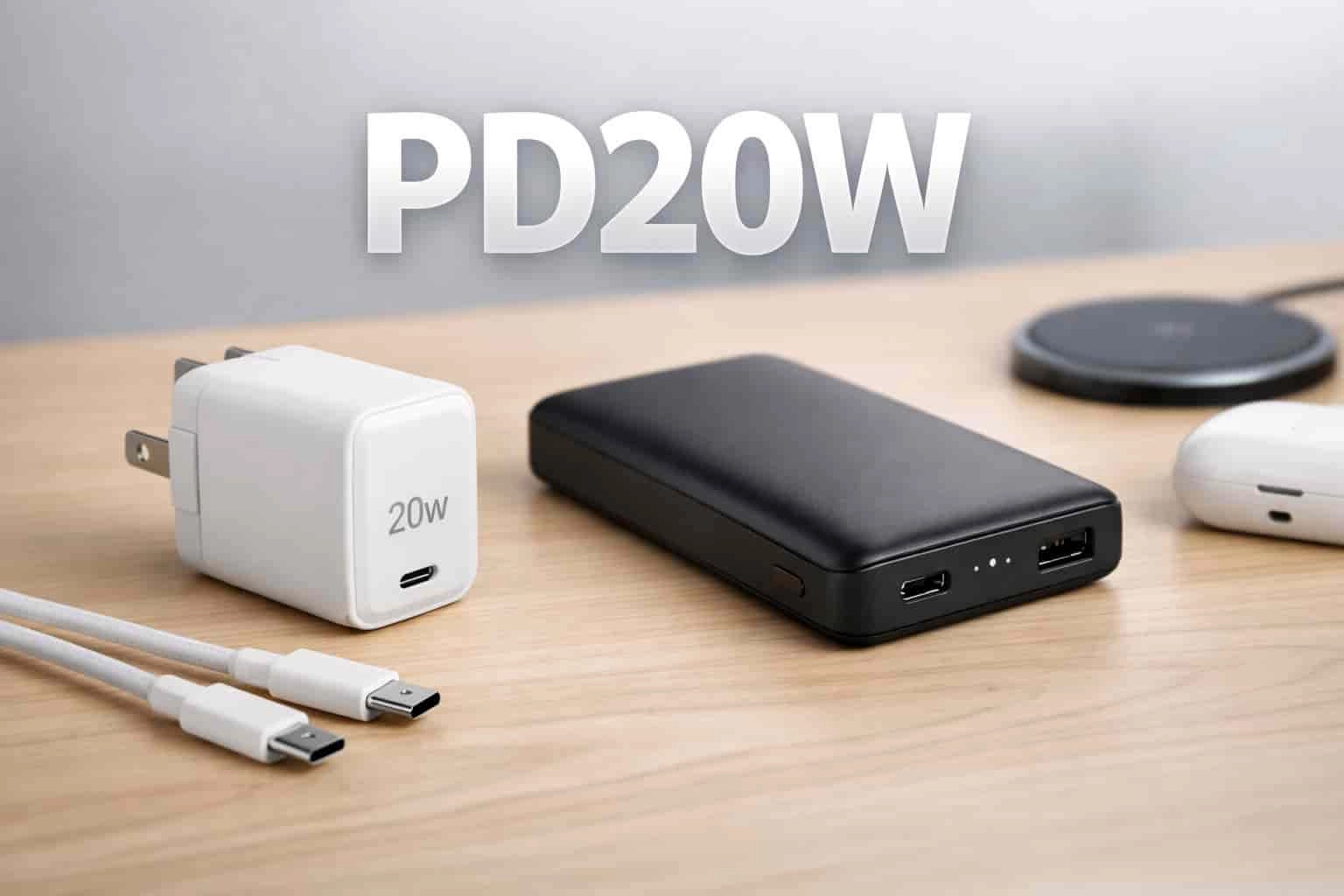
What Does PD20W Mean? Why Mobile Accessories Use PD20W Labels
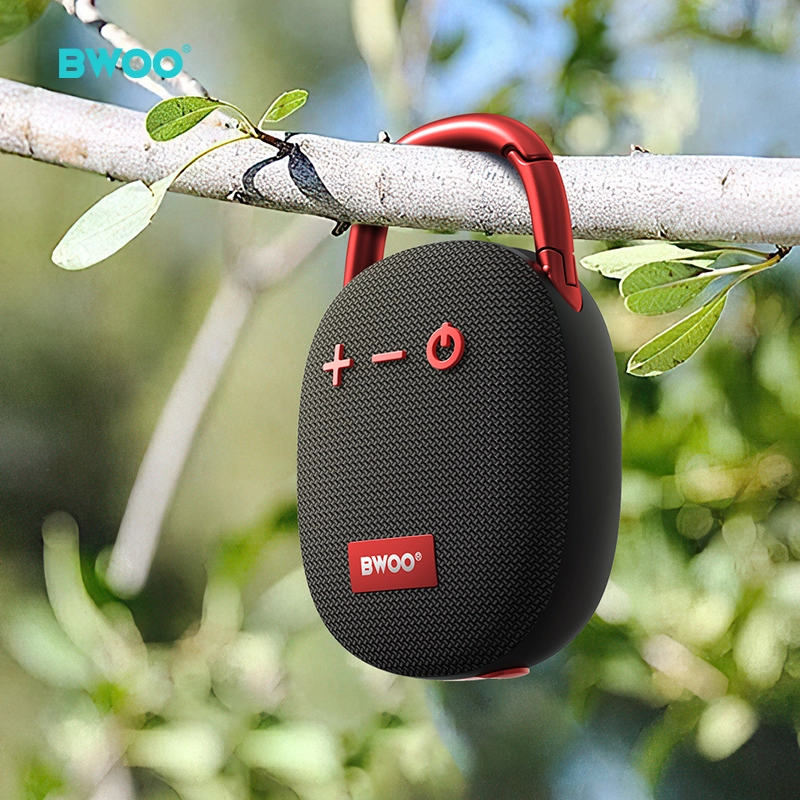
BWOO Speaker: Portable Bluetooth Speaker with Powerful Sound & Stable Wireless Performance
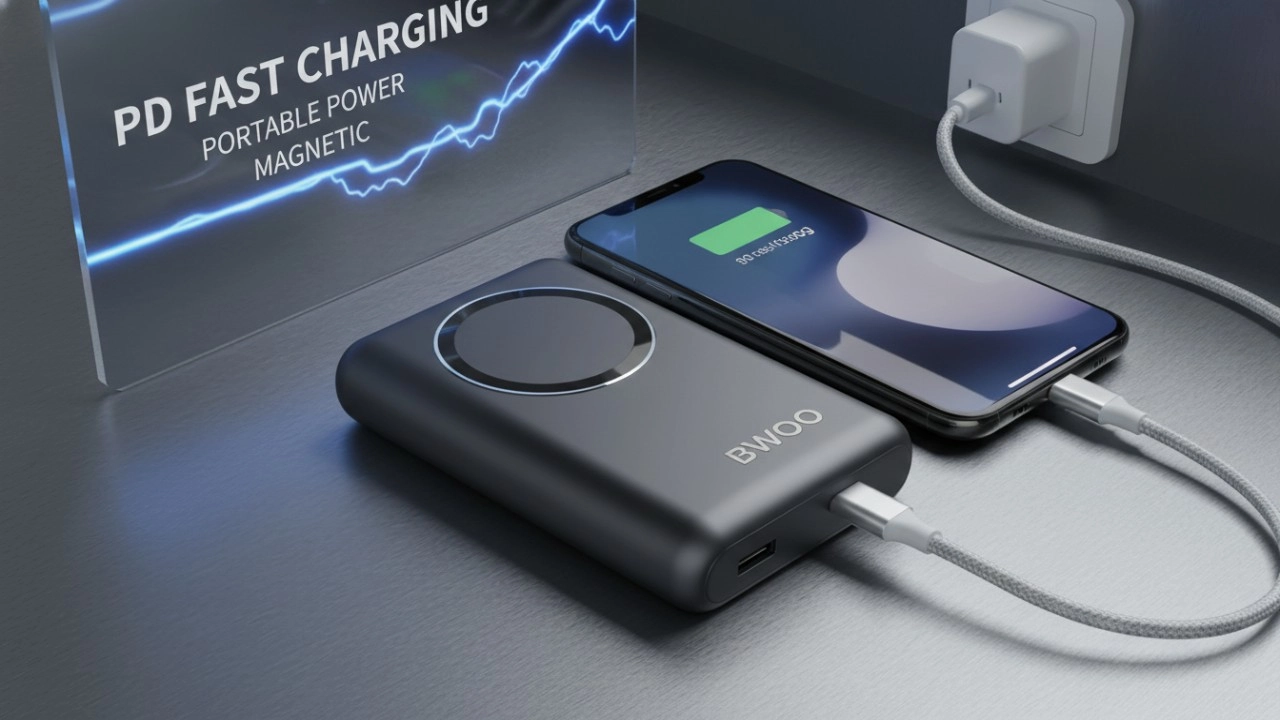
The Ultimate Guide to BWOO Power Banks: Features, Safety, and Accessories (2026 Edition)

BWOO Celebrates The Company's Success of 2023
Social media
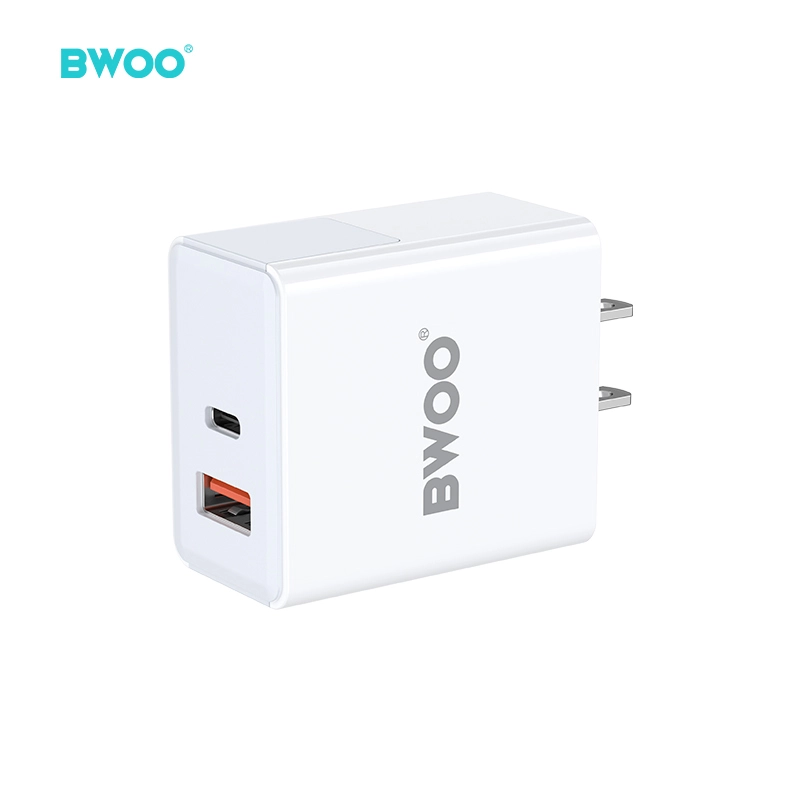
BWOO 38W USB C PD Fast Charger Dual Port Compact Wall Charger for iPhone 17 16 Series
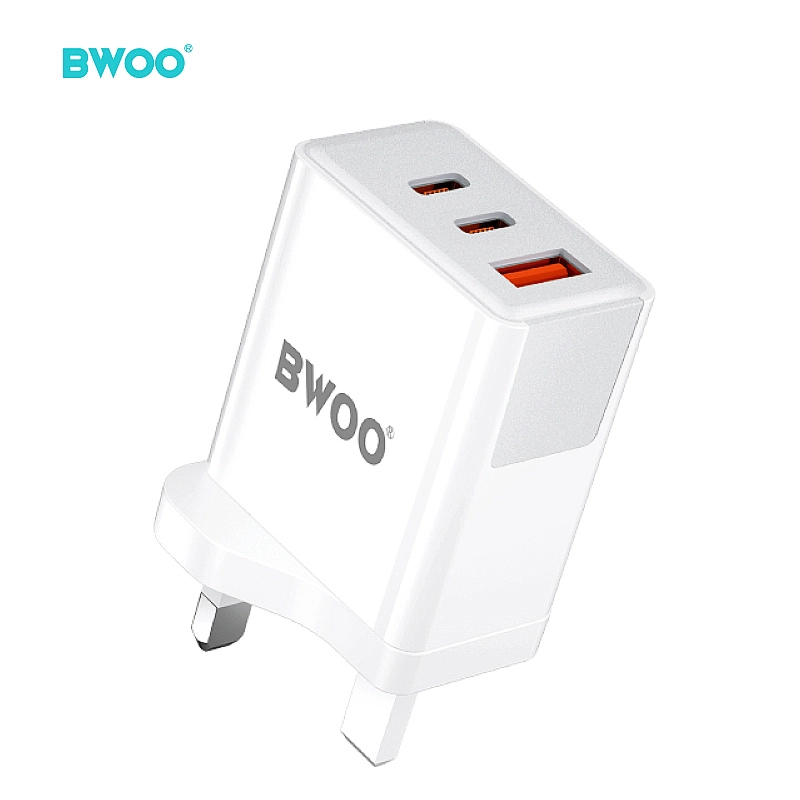
BWOO 40W USB C PD 3 Port Fast Charger UK Plug Compact Wall Charger for iPhone Samsung Android iPad
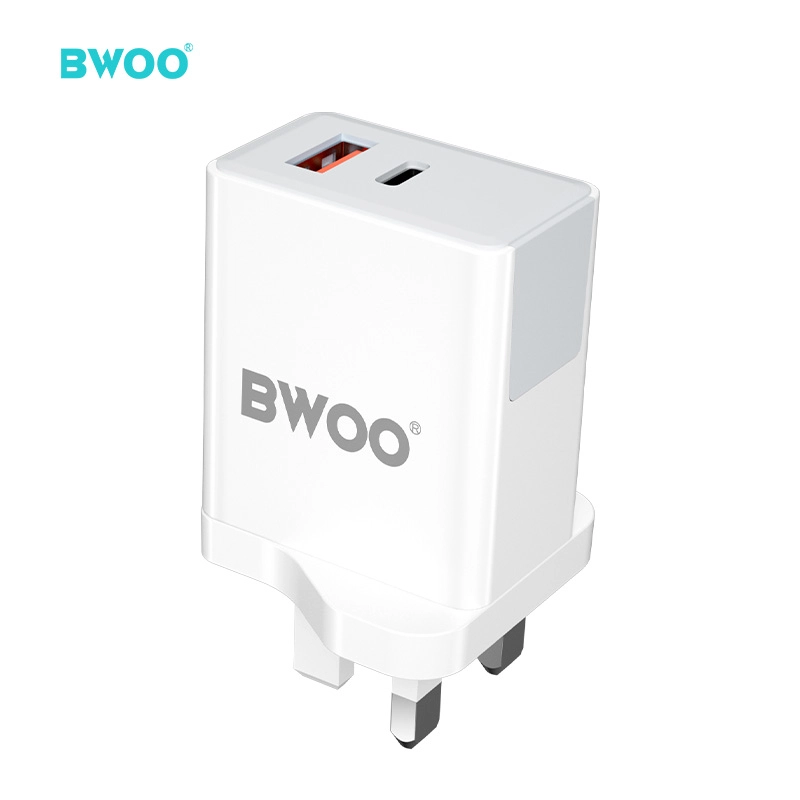
BWOO 38W Dual USB C Fast Charger UK Travel Power Adapter for iphone
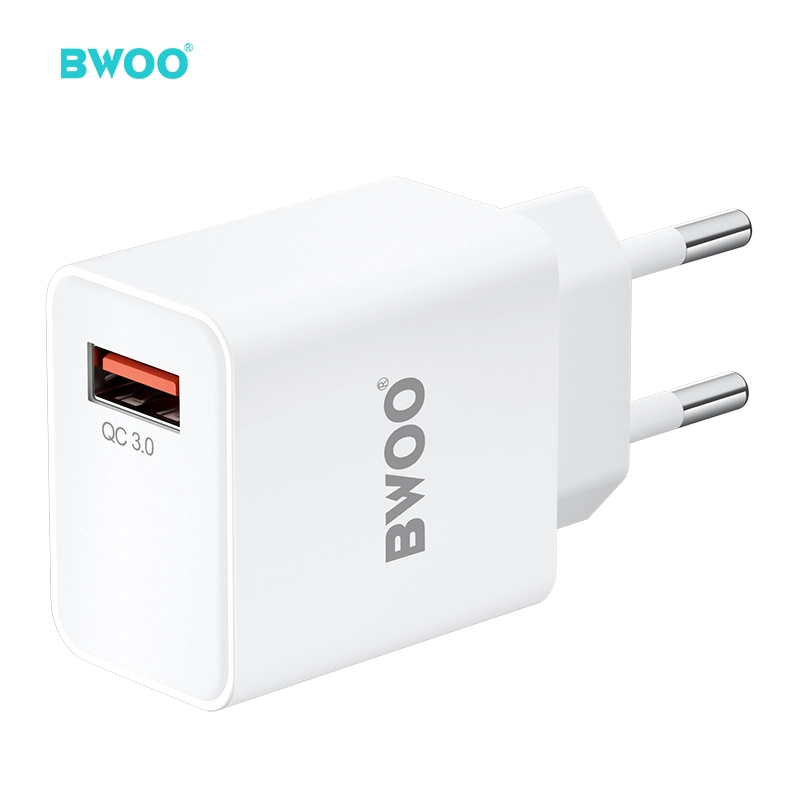
BWOO Quick Charge QC3.0 18W 3A USB Fast Wall Charger EU Plug Travel Adapter
Have a question or want to learn more?
We’re here to help.
Follow us on social media
Empowering global smart living with certified quality and 20 years of manufacturing excellence.
Office
Rm 01, 10/F Mira Place Tower A, 132 Nathan Road, TST Kowloon, Hong Kong
Contact Information
SKYPE : +86 138 0243 8025
WhatsApp: +86 138 0243 8025
E-mail: Sales_A@gzbwoo.com
Social media
© 2026 BWOO. All Rights Reserved.
bwoo_global
BWOO Global
BWOO
Whatsapp: +8613725430886
BWOO HK TECH LIMITED